

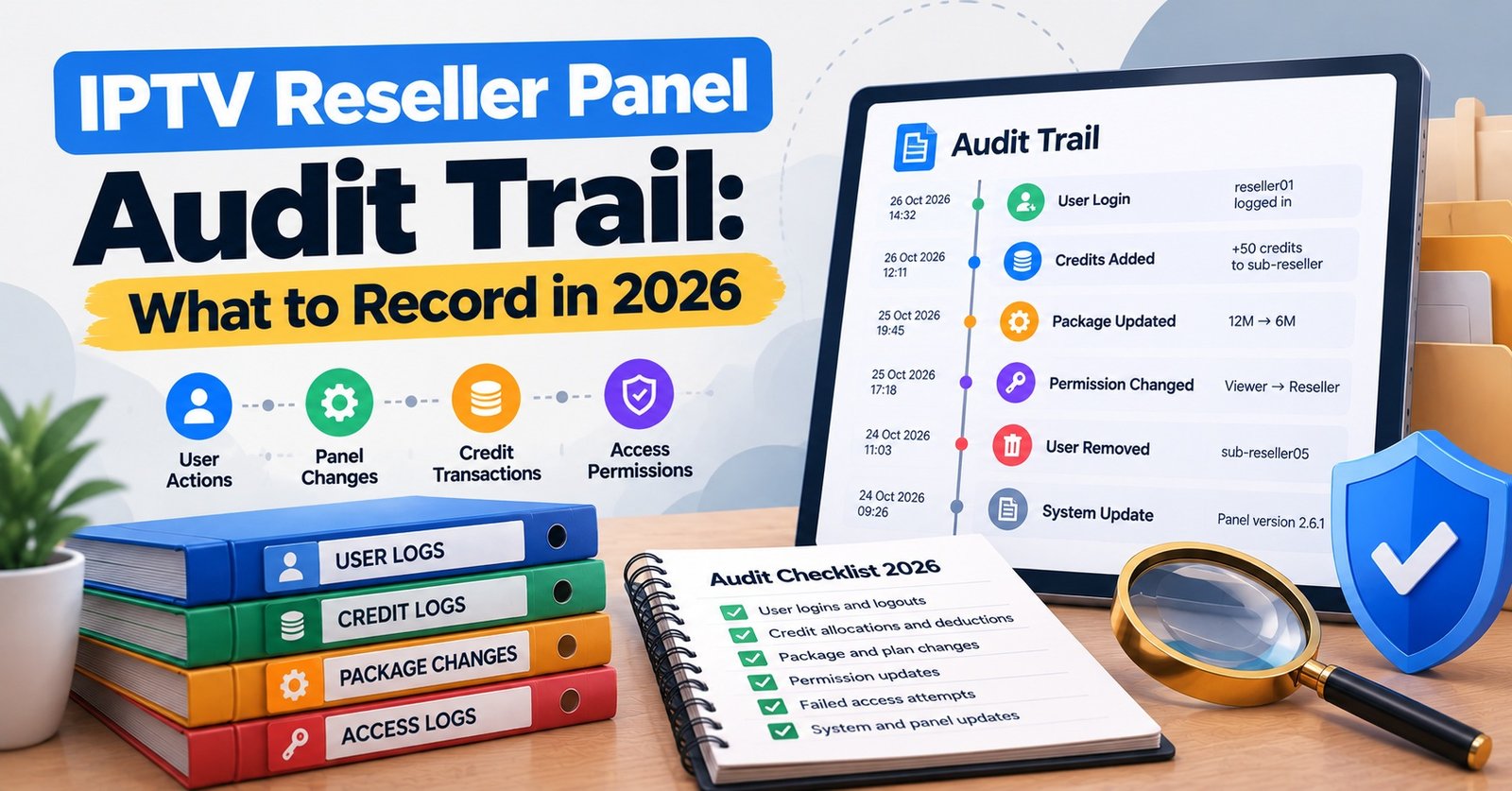
IPTV Reseller Panel Audit Trail: What to Record in 2026

An IPTV Reseller Panel Audit Trail should record five things for every change: which operator made it, what was changed, the value before and after, the exact time in UTC, and the reason or ticket behind it. If an entry is missing any of those, it can tell you that something happened but not who is answerable for it, and that is exactly the question you face when a customer’s expiry date moves, credits disappear, or a sub-reseller disputes a deduction.
Most panels already show some kind of activity screen, and it is tempting to treat that as the audit trail. On its own, it usually falls short. A provider’s log is kept on the provider’s terms, can be trimmed without warning, and tends to capture the action without the reason. A more dependable setup treats the panel log as raw evidence, exports it on a fixed schedule, and adds your own reference column so every entry can be matched to an order, a renewal request or a support conversation.
Fields Every IPTV Reseller Panel Audit Trail Entry Needs
A useful entry answers a dispute without anyone having to remember anything. That means the record has to stand on its own months later, after staff have changed and nobody recalls the conversation that triggered the edit.
Operator IDs that outlive the people using them
Every person and every automated process that can touch the panel needs its own identifier. A simple scheme works well: OP-OWN01 for the account owner, OP-SUP02 for a support assistant, OP-SR04 for a sub-reseller, and SYS-API for anything done through an integration or scheduled job. Keep a separate register that maps each ID to a named person, their role, the date access was granted and the date it was withdrawn.
Never recycle an ID. If OP-SUP02 leaves and a new assistant joins, the newcomer becomes OP-SUP06. Reusing the old code would quietly attach a former employee’s history to someone who was not there.
Timestamps stored in UTC, read in local time
Store every timestamp in UTC using a full date and time format such as 2026-10-03T09:14:22Z. Your team can still view times in UK local time, but the stored value should never shift with the clocks. A log that mixes local time and UTC, or records only the date, makes it impossible to put two events from different systems in the right order.
Pro tip: Once a month, compare the time your panel displays with a reliable UTC source. A panel clock that has drifted by several minutes can make a renewal look as though it happened after a customer complained, when the reverse was true.
Before and after, not just the result
“Expiry set to 2027-10-05” tells you the current state. “Expiry changed from 2026-10-05 to 2027-10-05” tells you what the operator actually did. The second version is what lets you spot a renewal applied twice, a connection limit raised without payment, or an expiry date pulled backwards by mistake. Where the field holds a secret, such as a password, record that it changed but never the value itself.
The reason column
This is the field most panels do not provide and most IPTV panel resellers skip. Add it yourself, in your exported copy, as a reference to an order number, ticket or message thread. An entry with a reference can be defended. An entry without one becomes a question you have to answer later.
What a Readable Change Log Looks Like
The sample below is illustrative rather than taken from any real panel, and it assumes one credit buys one month of service, which varies between providers. It shows how the fields work together across a single week.
| Timestamp (UTC) | Operator and action | Before and after |
|---|---|---|
| 2026-10-03T09:14:22Z | OP-OWN01 renewed line L-20417 for 12 months, ref ORD-3381 | Expiry 2026-10-05 to 2027-10-05; credits 412 to 400 |
| 2026-10-03T11:02:09Z | OP-SUP02 reset password on L-20417, ref TKT-0912 | Password changed (value not recorded) |
| 2026-10-04T16:47:51Z | OP-SR04 created 24-hour trial T-5520, ref MSG-7731 | Trial active; no credit movement |
| 2026-10-07T20:31:05Z | OP-SUP02 changed connections on L-19870, no ref | Connections 1 to 2; credits 400 to 400 |
| 2026-10-09T07:55:40Z | SYS-API bulk renewal of 14 monthly lines, ref BATCH-1009 | Credits 400 to 386 |
| 2026-10-11T02:13:44Z | Six failed logins for OP-SUP02 from an unfamiliar IP | Operator account locked |
| 2026-10-12T13:20:18Z | OP-OWN01 disabled operator OP-SUP05, ref HR-014 | Status active to disabled |
Read it the way an auditor would. Most rows reconcile neatly: the renewal cost 12 credits, the bulk job cost 14, and the trial cost nothing. The row on 7 October is the one that deserves attention. A second connection was added in the evening, by a support operator, with no reference and no credit movement. That might be a legitimate goodwill gesture agreed over the phone, but nothing in the record says so. Four days later, the same operator ID shows a burst of failed logins from an unfamiliar address, which makes the earlier entry worth checking properly rather than assuming the best.
None of this proves wrongdoing. What it does is narrow a vague worry (“something looks off with that account”) into two specific entries you can investigate.
Tracing a Disputed Change, Step by Step
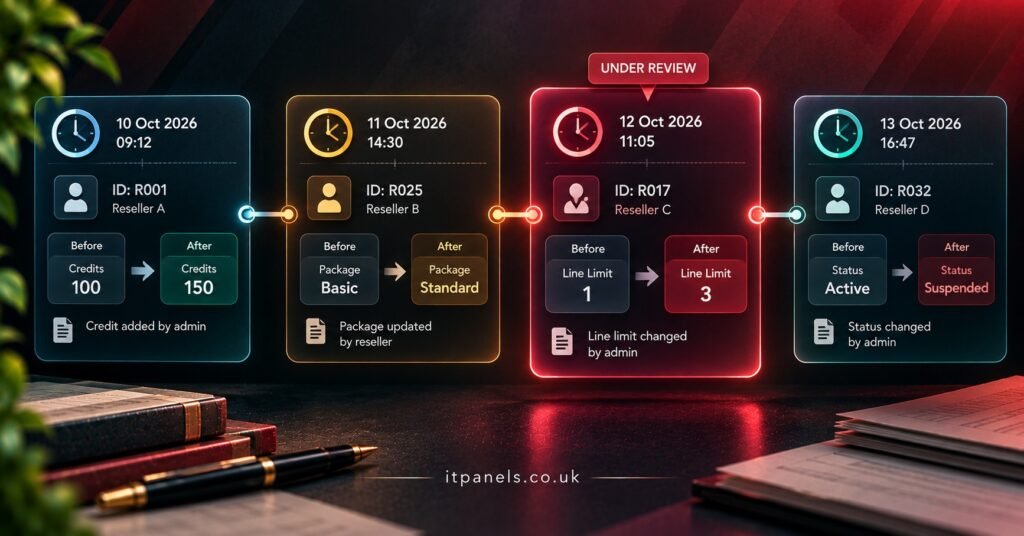
Take a hypothetical case. A customer says their account was meant to run for a year with two connections, but it now shows one connection and an expiry date two months earlier than expected. Working through it in a fixed order stops you from jumping to the most convenient explanation.
- Pin down the identifier. Search by line or account ID, not by customer name or email. Names get mistyped and reused; IDs do not.
- Pull a wider window than you think you need. Export every entry for that line from the original sale onwards, plus 48 hours either side of each suspected change.
- Rebuild the timeline from the “before” values. Walk forward through the entries and note the first point where the recorded state stops matching what the customer’s order says they paid for.
- Identify who and through which route. Was the change made by a named operator, a sub-reseller, or an automated job? A change arriving through the API needs a different follow-up from one made in the web dashboard.
- Match the reference. If the entry links to a ticket or order, read it. If the reference field is blank, that gap is itself a finding.
- Check the credit movement. A renewal with no deduction, or a deduction with no matching change, points to either an error or a manual adjustment that should have been documented.
- Look at the operator’s access around that time. New IP addresses, logins at unusual hours, or repeated failed attempts shortly beforehand all change how you interpret the edit.
- Correct forward, never backwards. Fix the account with a new entry that references the investigation, rather than editing or deleting the original record. The log should show both the mistake and the correction.
Step eight is the one people skip under pressure. A clean-looking log that has been tidied after the fact is worth far less than a messy one that shows its corrections openly.
Where Audit Trails Quietly Break
Most gaps are not caused by anyone hiding anything. They come from ordinary shortcuts that seemed harmless when they were taken.
One login shared by three people
If the owner, a support assistant and a family member who helps at weekends all use the same panel credentials, every entry carries the same operator. The log becomes a list of things that happened with nobody attached to them. If your panel supports separate operator or sub-account logins, use them; if it does not, that is a real limitation worth weighing when choosing a UK IPTV reseller panel.
The hour that happens twice
When UK clocks go back on the last Sunday of October, the hour from 01:00 to 02:00 local time occurs twice. A log stored in local time can show two entries at 01:30 with no way of knowing which came first. Storing UTC removes the problem entirely, which is the strongest practical argument for it.
Logs that only show the final state
Some panel activity screens record that a line was “edited” without saying which field changed or what it held before. If that is all your panel gives you, supplement it by noting the before values in your own record whenever you make a manual change, especially to expiry dates and connection limits.
Deleted lines taking their history with them
On some systems, deleting an account also removes or hides its activity history. Before deleting anything, export that line’s history first. Better still, disable rather than delete wherever the panel allows it, so the record survives.
Bulk jobs, API calls and sub-reseller actions
A bulk renewal of 40 lines may appear as one entry rather than 40. Automated renewals may carry a system identity rather than a person. Sub-reseller actions may be visible only from the parent account, or not at all. Find out how your panel records each of these before you need the answer, because discovering the limitation during a dispute is the worst time.
An editable spreadsheet is not evidence
Exporting the log to a spreadsheet is sensible, but a spreadsheet anyone can edit proves very little. Keep the monthly export as a read-only file, such as a PDF alongside the original CSV, and record a checksum of each file in a separate place. If the numbers are ever questioned, you can show that the file has not changed since the day it was exported.
Changes made upstream
Server migrations, panel software updates and provider-side account adjustments may never appear in your reseller log at all. When your provider announces maintenance or a migration, add a manual note to your own record with the date and the provider’s notice. It will explain otherwise baffling customer reports later.

A Monthly Audit Template You Can Copy
Run this on the same day each month, ideally straight after exporting the previous month’s log. The point is not to check every entry but to confirm that the record is complete, consistent and attributable.
| Check | Evidence to pull | What a pass looks like |
|---|---|---|
| Operator register | Active panel users against your staff and sub-reseller list | Every active ID belongs to a current, named person or system process |
| Credit reconciliation | Opening balance, top-ups, deductions, closing balance | Opening plus purchases minus deductions equals closing, with no unexplained gap |
| Unreferenced changes | Every entry with an empty reason or reference | Each one explained, or logged as an exception for follow-up |
| Expiry and connection edits | Changes not tied to a renewal or order | None, or each has a written justification |
| Access anomalies | Failed logins, unfamiliar IPs, out-of-hours activity | Each reviewed and the outcome noted |
| Deletions | Accounts or lines removed during the month | History exported before removal |
| Clock accuracy | Panel time against a UTC reference | Within about a minute |
| Export integrity | Last month’s files and recorded checksums | Files open and checksums still match |
The credit reconciliation row is the one most likely to catch a genuine problem, because credits are where errors and misuse turn into money. If your panel shows top-ups separately from deductions, reconcile against your purchase receipts and the IPTV reseller plans you actually bought, not just against what the dashboard balance says.
Keep the completed template with the export it relates to. Twelve of them, side by side, show far more than any single month: a slow rise in unreferenced edits, for example, often signals a process that has drifted rather than a one-off mistake.
Personal Data Inside the Log
An audit trail for a reseller dashboard will contain customer usernames, IP addresses and support references, which makes it personal data under UK GDPR. The law does not set a fixed retention period for this kind of record; the ICO’s guidance on the storage limitation principle expects you to keep data only as long as you need it and to have a retention policy explaining why.
In practice, that means deciding how long the log is genuinely useful for resolving disputes and spotting misuse, writing that period down, and deleting older exports on schedule. Payment and accounting records may need to be kept for longer under other rules, so store them separately from the operational log rather than keeping everything indefinitely “just in case”. Passwords and full payment details should never appear in the log at all.
For a broader view of what good logging is meant to achieve, the NCSC’s introduction to logging for security purposes frames it around the questions you need to answer after an incident: what happened, what the impact was, and whether the fix worked. That framing suits a reseller operation surprisingly well.
Questions Resellers Ask About Panel Logs
Is the panel’s own activity log enough if I end up in a dispute with my provider?
It helps, but it is the provider’s record, not yours. Your own monthly exports, with references and checksums, show what you saw at the time and cannot be altered on the provider’s side afterwards.
Should failed login attempts be part of the audit trail?
Yes. They are often the earliest sign that an operator’s credentials have been exposed, and they give context to any unusual changes that follow.
Can a sub-reseller see the parent reseller’s change history?
That depends on the panel. Commonly a sub-reseller sees only their own actions, while the parent can see activity across their sub-accounts. Confirm this with your provider and record the answer, because it determines whose log you need during a dispute involving a sub-reseller.
What should I do if my panel has no exportable log?
Keep a manual change register for every edit to expiry, connections or credits, using the same fields described above. It is more work, and it is weaker evidence than a system log, so treat it as a temporary measure while you look at panels with proper activity history.
Does keeping detailed logs say anything about whether a service is legitimate?
No. An audit trail records operational changes; it does not establish that the content delivered through the service is licensed. IPTV is a delivery technology, and lawful use depends on proper distribution rights. Good records simply make a properly run business easier to evidence.
Before the Next Export Runs
- Give every person, sub-reseller and automated process its own operator ID, and never reuse a retired one
- Switch stored timestamps to UTC with full date and time
- Add a reference column for orders, tickets and messages to your exported copy
- Record before and after values for expiry dates, connection limits and credits
- Export the log monthly as CSV plus a read-only PDF, and note a checksum for each file
- Export a line’s history before deleting it, or disable instead of deleting
- Note provider maintenance and migrations in your own record on the day they happen
- Write down a retention period for the log and delete older exports on schedule
- Run the monthly template on a fixed date and file it with that month’s export
Putting the Record to Work
An IPTV Reseller Panel Audit Trail earns its value on the day something goes wrong, but only if it was built properly on all the days when nothing did. Attributable operator IDs, UTC timestamps, before and after values and a reason for each change turn a vague activity screen into evidence you can rely on. Your panel may not support every field natively, and some upstream changes will always sit outside your view, so fill those gaps with your own exports and notes rather than assuming the dashboard has it covered.
The most useful next step is small: export last month’s log today, run it against the template above, and count how many entries have no reference. That single number will tell you how much work your record needs.
