

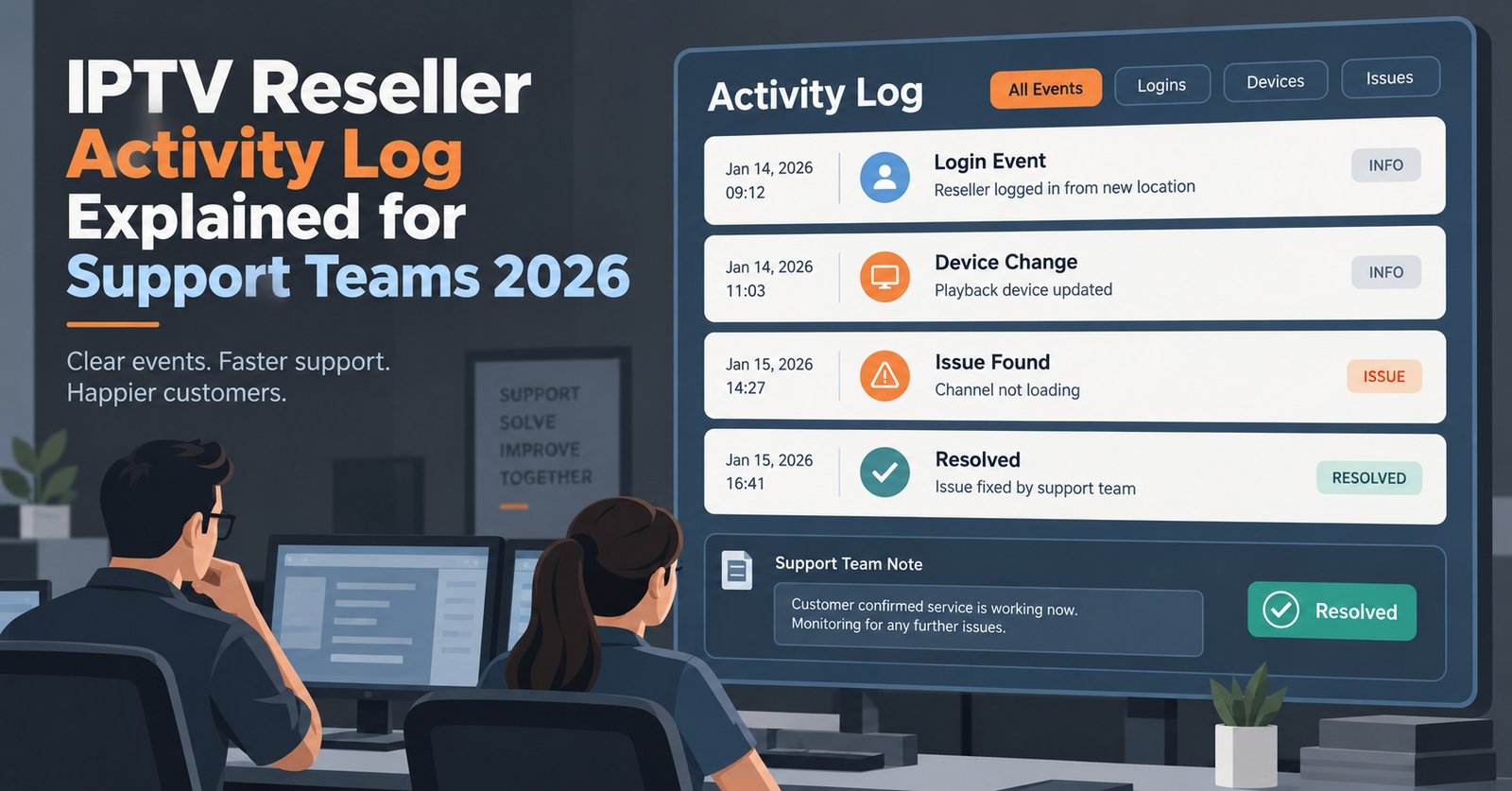
IPTV Reseller Activity Log Explained for Support Teams 2026

An IPTV Reseller Activity Log is the timestamped record inside your panel of every account creation, edit and login event tied to your reseller ID, and most support delays come from not checking it before doing anything else. If a customer says a line “just stopped working,” the log usually tells you within seconds whether it was an edit you made, a login from an unexpected location, or something that never actually happened on your side at all.
The mistake IPTV Panel resellers make most often is trusting the customer’s description of the fault over the log itself. People misremember when they last renewed, forget they shared a login with a relative, or assume a device swap counts as “nothing changed.” The log doesn’t misremember. Reading it in the right order, creation, then edits, then logins, before you touch the account again is what separates a two-minute fix from a twenty-minute back and forth.
What the log records, and what it deliberately leaves out
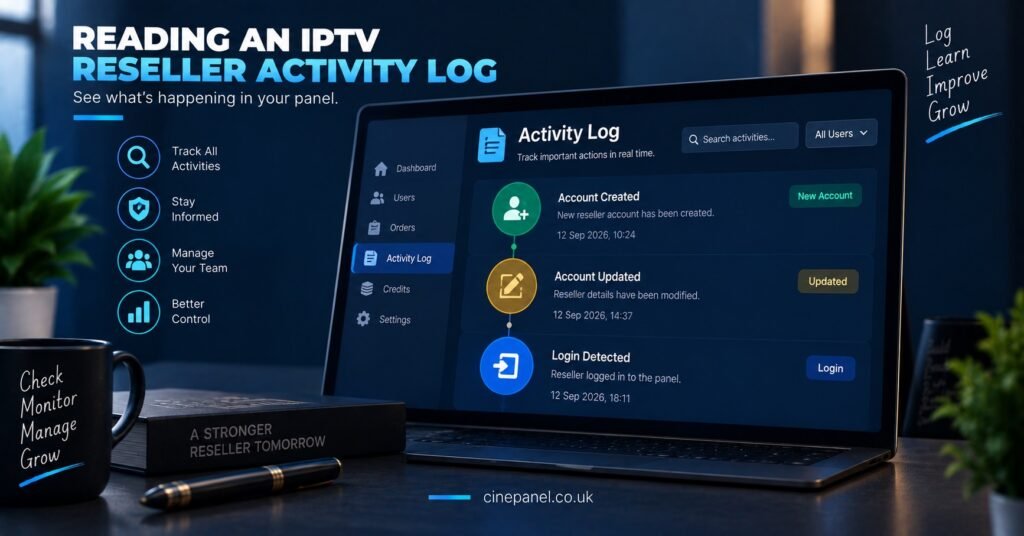
Most panels log three categories of event against a customer line: when it was created, what was changed on it afterwards, and when and where it was accessed. That’s usually it. An activity log is not a viewing history, it doesn’t record which channel or title was open, and it won’t tell you why a stream buffered. Resellers who expect it to behave like a full analytics dashboard end up disappointed. Its job is narrower and, for support purposes, more useful: it tells you what happened to the account itself, not what the customer watched on it.
This matters because the three questions you actually need answered during a support call, was this recently created, has anyone touched it, and who’s logged into it, are exactly what the log is built to answer.
Account creation entries: the starting point for every ticket
Before checking anything else, confirm when the line was created. This sounds obvious, but it catches a surprising number of false alarms. A customer reporting “it stopped working after two days” who was actually created eleven months ago is describing a different problem than someone genuinely two days into a new line.
Creation entries also show which IPTV reseller or sub-reseller account generated the line. On a panel running sub-resellers, this is often the fastest way to work out whose customer you’re actually looking at when a ticket arrives through a shared inbox.
Edit entries: the most useful diagnostic category on the whole panel
Edits cover renewals, package changes, connection limit changes, MAC or device reassignment, and password resets. If a working line suddenly fails, an edit entry sitting just before the failure is the single strongest clue you’ll find. A connection limit dropped from two devices to one explains a household suddenly getting kicked off on the second TV far better than a vague “buffering issue” ticket does.
Two things worth checking specifically in the edit trail:
- Was the edit made by you, a sub-reseller under you, or the customer through a self-service portal if one exists
- Did the edit happen close enough to the reported fault to be the actual cause, rather than a coincidence
Login events: separating a technical fault from a shared account
Login entries record when and, on many panels, roughly where an account connected. This is where account sharing shows up. A line pinging in from two distant regions within the same hour is rarely a technical fault, it’s usually two households on one login, and no amount of server-side troubleshooting will fix that. Conversely, a total absence of recent logins on a line the customer swears they use daily often points to a device or app problem rather than anything on the panel side.
A quick way to match the symptom to the log entry
| Customer says | Check this in the log | What it usually means |
|---|---|---|
| “It just stopped working” | Most recent edit entry | A limit, MAC or renewal change caused it |
| “It’s slow on Saturday nights” | Login frequency, not edits | Demand or connection pattern, not a fault |
| “I never got my details” | Creation entry timestamp | Line may not have been created yet |
| “Someone else is using it” | Login locations and times | Shared credentials, not a technical issue |
Pro tip: When a ticket mentions a sudden fault, sort the activity log by most recent entry first rather than scrolling from the account’s creation date. The cause is almost always in the last two or three lines.
What this looks like for sub-reseller structures
On panels where sub-resellers manage their own customers, the activity log is also an accountability tool. If a sub-reseller’s line has been edited by an account you don’t recognise, or logins are coming from locations that don’t match the customer base they normally serve, that’s worth a direct conversation before it becomes a bigger dispute. Keeping your own note of unusual entries, separate from the panel itself, helps if a disagreement over who changed what ever needs resolving later.
When the log doesn’t explain the problem
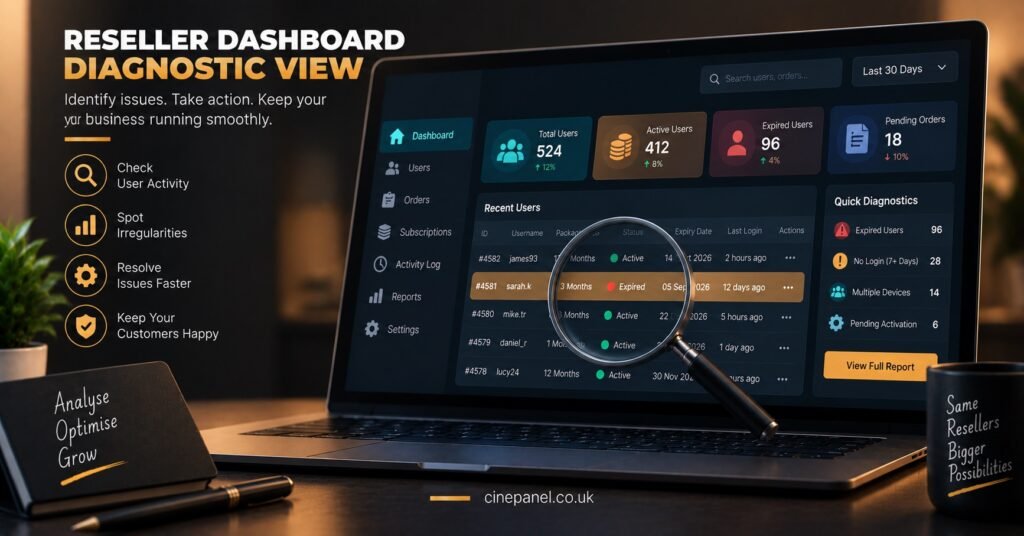
Occasionally the log shows nothing unusual, no recent edits, normal login patterns, and the customer’s complaint is real. At that point the issue is more likely to be the customer’s own connection, device app, or a wider service disruption rather than anything specific to their account. It’s worth ruling this in before spending more time on an individual line. A UK IPTV Panel reseller dashboard built for daily UK operations that keeps creation, edit and login data in one screen makes this elimination step much quicker than switching between separate panel sections.
Pro tip: Keep a mental baseline for how many login entries a normal household generates per week. A sudden spike or a sudden silence is more diagnostic than the raw numbers themselves.
Common Questions
Does the activity log show what a customer actually watched?
No. It records account level events, creation, edits and logins, not viewing history or channel selection.
Can a customer see their own activity log?
That depends on the panel and whether a self-service portal is offered. On most reseller setups, the log is visible to the reseller managing the account rather than the end customer directly.
How far back does activity log data usually go?
This varies by panel and retention settings, so check your specific system rather than assuming a fixed window. Some retain months of history, others roll off older entries sooner.
Is a login from two locations always account sharing?
Not always, a customer travelling or using a VPN can create the same pattern, but it’s the most common explanation and worth checking with the customer directly before assuming a fault.
Should I check the activity log before or after asking the customer questions?
Check it first where possible. It’s faster than a back and forth message thread and often answers the question before you need to ask it.
Reading an IPTV Reseller Panel Activity Log properly, in the order of creation, edits, then logins, turns most support tickets into a two-minute check rather than a guessing game. The log won’t tell you what someone watched and it won’t fix a bad connection, but it will almost always tell you whether the fault sits with an account change, a shared login, or something outside the panel entirely. Get into the habit of checking it before you touch the account again, and most “it just stopped working” tickets stop taking as long as they used to.
Quick Troubleshooting Checklist
- Confirm the account creation date before assuming the fault is new
- Scan the most recent edit entries first, not the full history
- Check login locations and timing when sharing is suspected
- Note whether an edit was made by you, a sub-reseller, or the customer
- Rule out wider connection or device issues if the log itself shows nothing unusual
- Compare current login patterns against what’s normal for that household

[…] the log against, and it survives even if panel history is trimmed. If you already run a structured IPTV Panel reseller CRM workflow, the credit log becomes a verification layer on top of it rather than a separate […]