

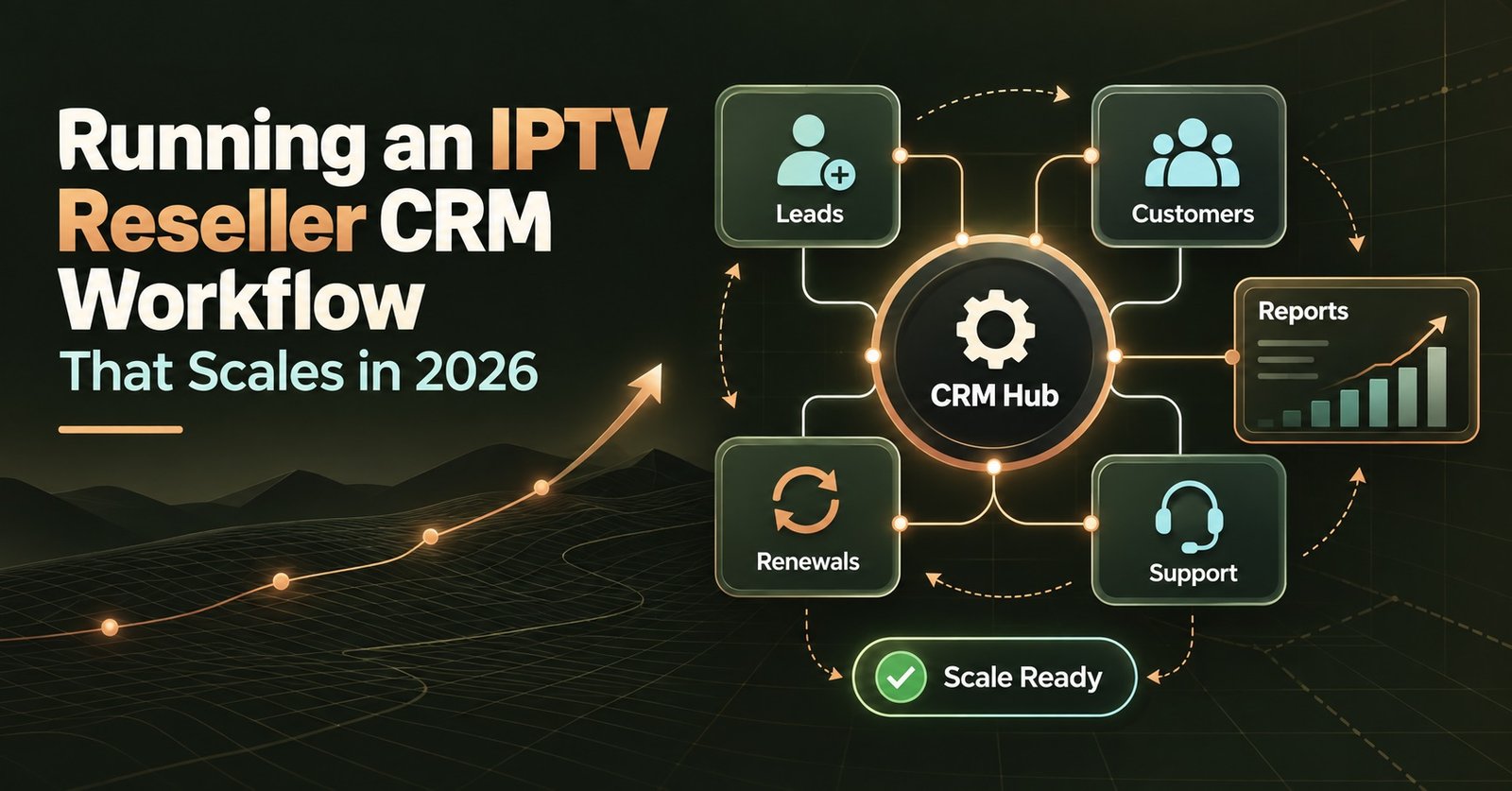
Running an IPTV Reseller CRM Workflow That Scales 2026

An IPTV Reseller CRM is the system that keeps your customer records, expiry dates, device details, support notes and renewal timing in one place, rather than scattered across spreadsheets, saved WhatsApp messages and whatever you can remember from last week. For a handful of customers, memory and a notebook work fine. Once you’re managing thirty, eighty or two hundred active subscriptions, that same approach starts costing you renewals, credits and customer trust.
Where Manual Tracking Starts to Break Down
Most IPTV panel resellers don’t set out to build a CRM. They start with a spreadsheet, or nothing at all beyond a phone full of chat threads. That works right up until a customer messages asking why their service stopped, and you’re scrolling back through weeks of conversation trying to work out when they paid and what device they’re using.
The pattern is usually the same. A customer’s line goes down two days after expiry because nobody flagged the renewal. A device gets swapped and the notes never get updated, so the next support message starts from zero. Credits get spent without a clear record of which customer they went against, which makes it hard to know your actual margin at the end of the month. None of this is a huge problem in isolation. Together, across dozens of customers, it adds up to lost renewals and a support workload that grows faster than your customer base does.
What an IPTV Reseller CRM Actually Needs to Track
An IPTV Reseller CRM only earns its place if it covers the details that actually cause problems when they’re missing. For a reselling operation, that generally comes down to five things.
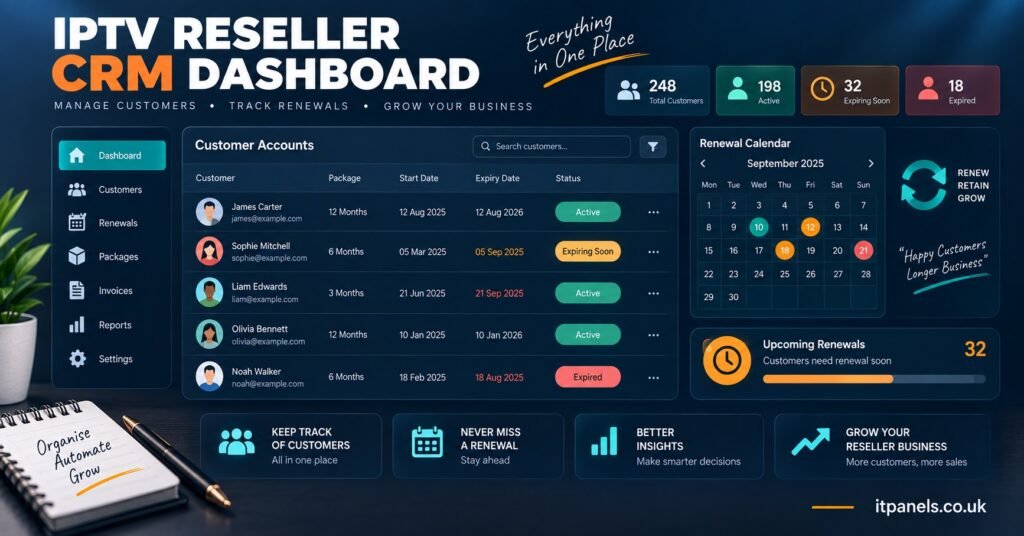
Customer records should hold more than a name and a phone number. Payment history, preferred contact method, and which package they’re on all matter when a query comes in and you need context in seconds rather than minutes.
Expiry dates need to be visible at a glance, not buried in a payment thread from six weeks ago. A CRM that surfaces “expiring in 3 days” without you having to calculate it manually is doing the one job that prevents most churn.
Device details matter because IPTV player apps vary, and a customer on one app may need different troubleshooting steps to a customer on another. Recording device type, app used and any known quirks against each account saves repeating the same diagnostic questions every time they get in touch.
Notes are where a lot of resellers fall down. A quick line recording “buffered on match night, resolved after app restart” means the next support interaction doesn’t start from scratch, even if it’s a different day or you’ve simply forgotten the detail.
Renewal history, including how many times a customer has renewed and whether they’ve ever lapsed and come back, tells you who your reliable base is and who’s likely to need a nudge before their next expiry.
Pro tip: If you’re choosing between CRM tools, test one with real customer data for a week before committing. A clean demo screen tells you nothing about how it handles fifty overlapping expiry dates.
Building a Renewal Workflow Around the Data
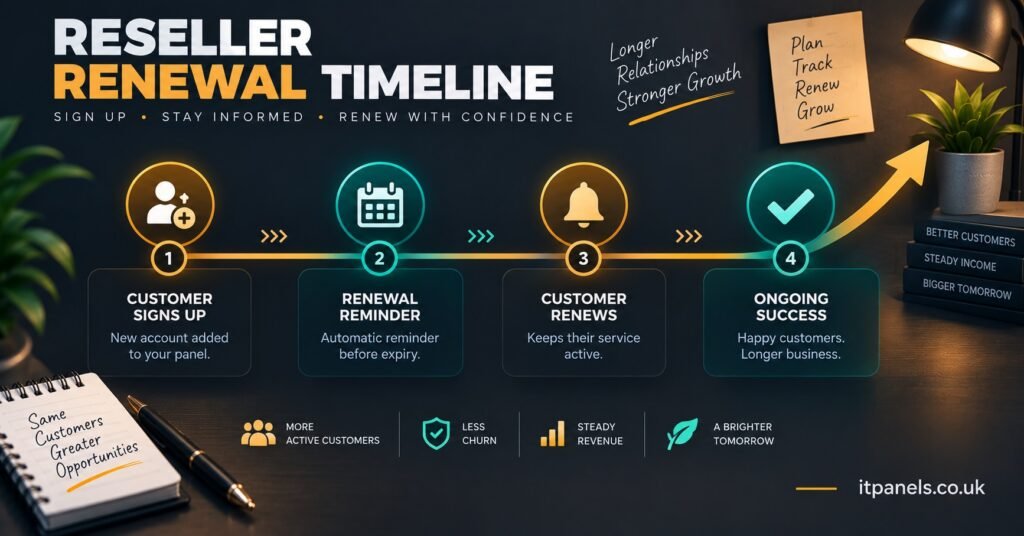
Tracking the information is only half the job. The other half is turning it into a repeatable renewal sequence, so nothing depends on you remembering to check.
A workable sequence usually looks like this: a reminder flagged five to seven days before expiry, a follow-up message two days out if there’s been no response, and a final check on the day itself before the account actually lapses. None of this needs to be complicated, but it does need to happen every time, for every customer, without you manually cross-referencing a spreadsheet against today’s date.
This is also where notes pull their weight. A customer who’s renewed on time for eight months straight probably doesn’t need chasing. A customer who’s lapsed twice before might need an earlier reminder or a different message tone. Treating every customer identically wastes effort on the reliable ones and doesn’t put enough attention where it’s actually needed.
| Task | Spreadsheet approach | CRM-based workflow |
|---|---|---|
| Spotting upcoming expiries | Manual date checking | Automatic flag or sort |
| Recalling device or issue history | Scrolling chat history | Notes attached to the account |
| Tracking renewal patterns | Not usually tracked | Visible per-customer history |
Sub Reseller Considerations
If you’re operating as a sub reseller, the same tracking matters, but with an added layer. You’re managing customer relationships while depending on a parent reseller for credits and panel access, which means your records need to make clear where responsibility sits if a customer has an issue that traces back to the panel itself rather than your own service. Keeping a clear note of what you can resolve directly and what needs escalating upward saves confusion when something goes wrong at a busy moment.
What to Check Before Choosing One
Not every CRM built for general businesses fits an IPTV reselling workflow, and not every “IPTV reseller panel” markets its customer management tools clearly. A few practical questions help narrow the field.
Does it handle recurring expiry dates natively, or would you be adding a separate calendar or reminder app on top? Can notes be attached at the individual account level, searchable later, rather than living in a single unstructured text box? Does it distinguish between customer types, since a sub reseller’s records often need extra fields a straightforward subscriber account doesn’t? And does exporting your data stay simple, so you’re never locked into one tool if your business outgrows it?
Cost matters too, but it’s rarely the deciding factor. A slightly more expensive tool that actually stops renewals slipping through the cracks pays for itself quickly once you’re managing more than a handful of customers. Our IPTV Reseller Panel is built with that kind of tracking in mind, so credits, customer accounts and renewal timing sit in one dashboard rather than three separate places.
Pro tip: Export your customer list monthly, even if your CRM is cloud based. A local backup means a login issue or a service outage never puts your entire customer base out of reach.
Common Mistakes That Undo Good Tracking
Even resellers with a proper system in place run into avoidable problems. The most common is inconsistent entry, where notes get added for some customers and skipped for others, so the record is only useful half the time. Another is treating device information as a one-off entry rather than something to update when a customer switches apps or buys new hardware. A third is ignoring renewal history entirely and treating every customer the same, which means the resellers who most need a heads-up before expiry are the ones most likely to slip through.
Frequently Asked Questions
Do I need dedicated software, or will a spreadsheet do for a small customer base?
For a handful of customers, a well-maintained spreadsheet can work. Once renewals start overlapping and support questions pile up, the manual checking involved usually costs more time than a proper CRM would.
Can I track sub reseller accounts and end customers in the same system?
Most reseller-focused tools allow separate account types, though the level of detail available for each varies between platforms. Check this before assuming both will be covered equally well.
How far in advance should renewal reminders go out?
There’s no fixed rule, but five to seven days before expiry gives most customers enough time to act without the reminder feeling premature.
Does device tracking really matter if most customers use the same app?
It matters most when something goes wrong. Even with one dominant app across your customer base, knowing which version or setup a customer has cuts troubleshooting time significantly.
What happens to my records if I switch panel providers?
This depends entirely on whether your current system allows a clean export. Confirm this before you need it, not after you’ve already decided to move.
Reseller Checklist for an IPTV Reseller CRM
- Confirm the system flags expiry dates automatically rather than requiring manual checks
- Check that notes can be attached and searched at the individual account level
- Verify device details can be updated easily as customers change hardware or apps
- Look for visible renewal history per customer, not just a current status
- Test data export before committing, so you’re never locked in
- Separate sub reseller accounts from standard subscriber records if you operate both
Whatever system you land on, the goal of an IPTV Reseller panel CRM stays the same: fewer renewals missed, less time spent scrolling back through old messages, and a customer base you can actually see the shape of rather than one you’re managing from memory. Start with the five basics, customer details, expiry dates, devices, notes and renewal history, and build the rest of your workflow around keeping those genuinely up to date rather than chasing every extra feature a platform offers.

[…] Some resellers manage this inside a spreadsheet early on, then move the process into a proper IPTV Reseller Panel CRM workflow once the customer base grows past a size where manual tracking becomes […]