

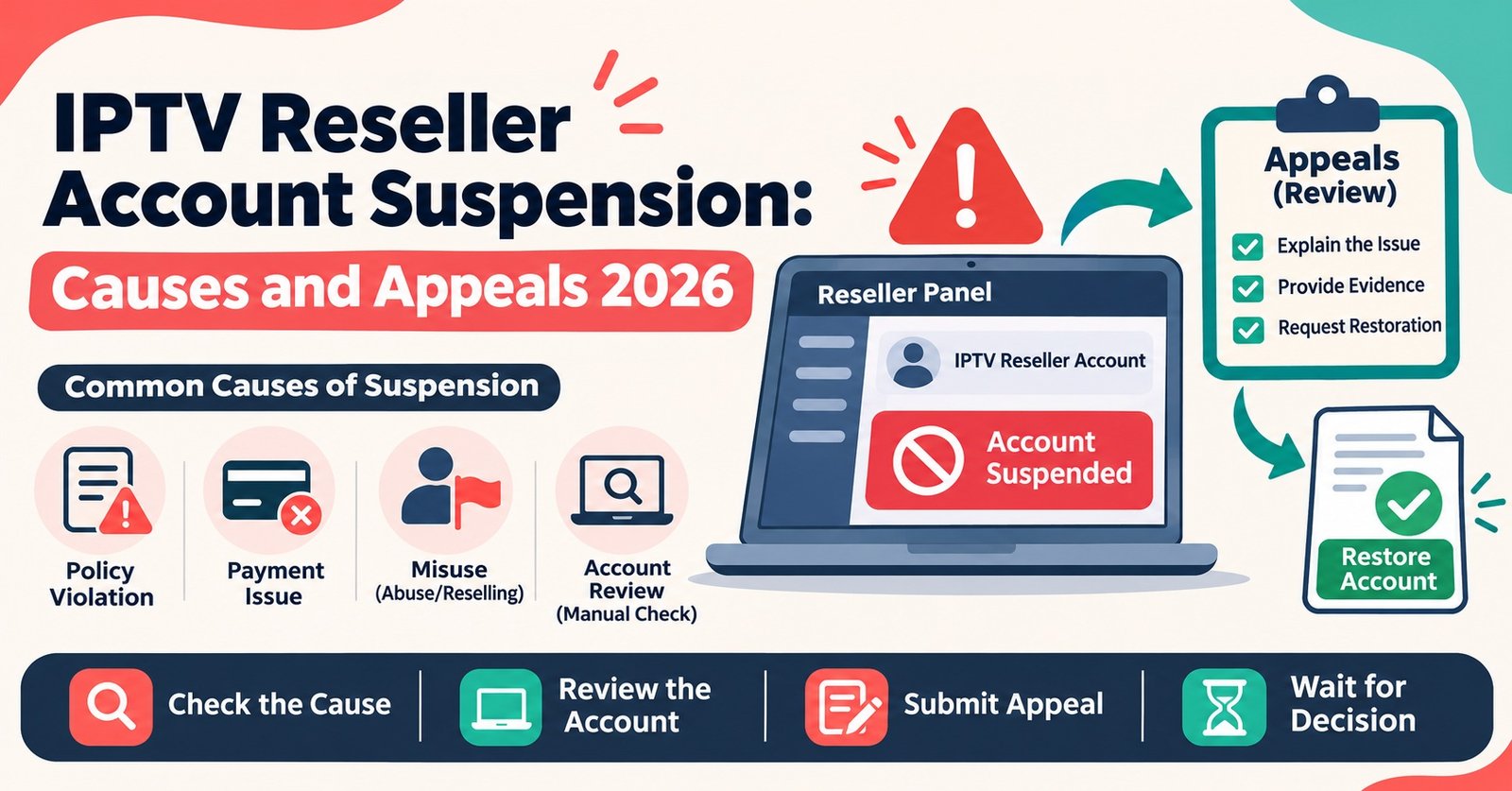
IPTV Reseller Account Suspension: Causes and Appeals 2026

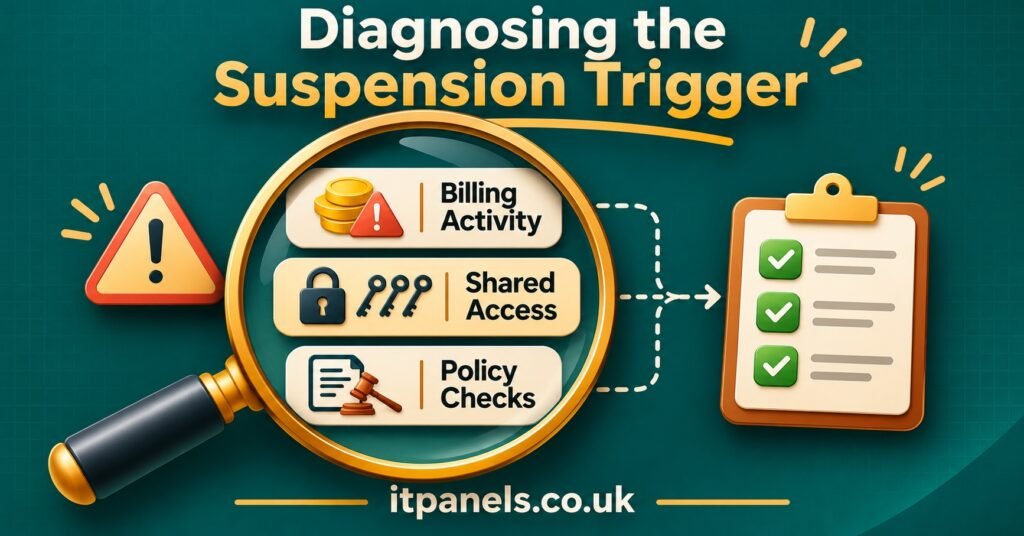
An IPTV Reseller Account Suspension almost always comes from one of three places: a billing problem, a security or shared-access flag, or a policy breach. Which one applies decides how fast you can recover. Billing suspensions usually lift once the payment issue is settled. Access flags need you to prove the logins were yours and lock things down. Policy suspensions are reviewed by a person and can take longer. Before you message anyone, open your reseller dashboard and note exactly what has stopped working. Can you still log in? Are credits frozen? Are your customers’ lines still active?
That last question deserves the most attention, because a suspended IPTV panel reseller login and suspended customer lines are two different situations. Some providers block panel access but leave existing subscriptions running until they expire. Others disable every line under the account straight away. If your customers can still watch, you have time to gather evidence and write a careful appeal. If they cannot, your first message needs to be short and factual, asking which trigger applied and whether the lines can be restored while the review runs. Customer messages can wait until you know which case you are in.
[ez-toc]
Three Triggers, Three Different Fixes
Resellers often treat every suspension as one problem and send the same angry message to support. That wastes the first, most useful contact. The trigger shapes everything that follows: what evidence counts, who reviews it, and whether an appeal is even the right word.
| Trigger type | What you usually notice | Sensible first move |
|---|---|---|
| Billing | Failed top-up, reversed payment, credits shown as negative or frozen | Confirm payment status with your bank or processor, then send proof to the provider |
| Shared access or security | Logins from unfamiliar locations, password reset you did not request, many active sessions | Change your password, list every person with access, then contact support |
| Policy | Notice citing terms of service, rights complaint, or a breach of reseller rules | Read the cited clause in full before replying, then answer that clause only |
Billing suspensions
These are the most mechanical and usually the quickest to clear. Common causes include a card payment that was later reversed, a bank transfer still waiting to clear, or a disputed charge. A dispute is the serious one. A chargeback, even one started by mistake or by someone else with access to the card, tells the provider that money it already credited may be pulled back. Many providers freeze the account automatically until the dispute is closed.
Shared-access flags
Panels log where and how often an account is used. If your reseller login is used from several countries in one evening, or by more sessions than your plan allows, automated checks may lock it. The cause is often innocent: a staff member on a VPN, an old password saved on a former contractor’s laptop, or a sub-reseller given your main login instead of their own. Whatever the cause, what you must prove here is control. You need to show that you know who had access and that you have closed the gaps.
Policy suspensions
This category covers breaches of the provider’s reseller terms. Examples include advertising in ways the terms forbid, reselling into restricted regions, ignoring customer complaints that came back to the provider, or rights-related complaints about the service you advertise. IPTV is a delivery technology. Whether a service is lawful depends on the distribution rights behind the content, and no IPTV reseller panel or payment method settles that question. If a suspension relates to rights or licensing, an appeal should address compliance honestly. It should not try to argue around it.
Reading the Dashboard Before You Write to Anyone
Ten minutes of checking before you contact support often decides whether the conversation takes one message or six. Work through these steps in order and write down what you find as you go.
Step one: test what still works
Try logging in from your usual device and network. Note the exact wording of any error, or take a screenshot. “Account suspended”, “access denied” and “insufficient credit” point to very different causes, and support teams can act on exact text.
Step two: check credits and transactions
If you can still reach the dashboard, open your credit history. Look for negative balances, reversed top-ups or unexpected deductions. Then check your own bank or payment account for the same dates. A refund or dispute you did not start is worth investigating on its own, apart from the suspension.
Step three: review access records
Many panels show recent logins, IP addresses or active sessions. Note anything you do not recognise. If you run sub-reseller accounts, check whether any of them show unusual activity too. A problem in a sub-account can sometimes lead the parent account to be restricted.
Step four: check email and panel notices
Providers usually send a reason, even a brief one. Search your inbox, spam folder and any in-panel messages from the past fortnight. A warning sent days earlier changes how your appeal should read.
Step five: sample your customer lines
Pick two or three active customers and check whether their lines still play. You do not need to contact them yet. You only need to know whether the outage reaches the people who pay you.
A Worked Example: Credits Frozen on a Weeknight
This is an illustrative scenario, not a real case, but it follows a common sequence.
A reseller tops up credits by card on Monday. On Wednesday evening the dashboard shows a negative balance and new activations fail. Existing customer lines still work. Following the steps above, the reseller finds the Monday top-up marked as reversed in the credit history. Their bank app shows a dispute raised against the payment, started from a shared business card that a part-time assistant also uses.
The right response here is not an appeal about fairness. It is a billing correction. The reseller asks the bank to withdraw the dispute, gets written confirmation, and sends it to the provider with the transaction reference, the date and a short explanation. Meanwhile they tell no customers anything, because nothing customer-facing has broken.
Now imagine the same reseller ignores the reversal and complains that their account was suspended “for no reason”. The provider sees a disputed payment and a IPTV panel reseller who seems unaware of it. The case slows down, and trust drops before anyone looks at the facts. The trigger was simple. Leaving it undiagnosed made it complicated.
Building the Evidence File
Whatever the trigger, a short, organised evidence file shows the reviewer you are serious and saves a round of follow-up questions. Keep it to what is relevant. Twenty screenshots of unrelated panel pages make a reviewer’s job harder, not easier.
- Your reseller username or account ID, exactly as it appears in the panel
- Date and time you first noticed the suspension, with the exact error wording
- Screenshots of the error message and, if reachable, your credit history
- Payment references, dates and amounts for any top-up involved, plus proof of status from your bank or processor
- For access flags: a list of every person who has used the login, and confirmation that you changed the password and removed old sessions
- For policy notices: the clause cited, plus what you changed in response (edited adverts, removed listings, updated website wording)
- Any earlier warning emails and your replies, so the reviewer sees the full thread
- Whether customer lines are currently active or down, and roughly how many accounts are affected
Pro tip: Name your screenshot files with the date and a short label, such as “2026-11-02-credit-history.png”. A reviewer opening attachments in a support ticket can follow the timeline without asking which image shows what.
IPTV Reseller Account Suspension Appeal Script You Can Adapt
A good appeal is short, specific and calm. It names the account, states the trigger you believe applies, shows evidence, says what you have fixed, and asks for one clear outcome. The template below follows that order. Remove any lines that do not fit your case, and never claim something you cannot back up.
Subject: Suspension review request: [reseller username], [date noticed]
Hello,
My reseller account [username / ID] was suspended on or around [date]. The panel shows: “[exact error text]”.
Having checked my dashboard and records, I believe the suspension relates to [a reversed payment on (date) / login activity I did not recognise / the notice dated (date) citing clause (number)].
Here is what I have done:
[For billing] The payment dispute has been withdrawn. Confirmation from my bank is attached, reference [number].
[For access] I changed the account password on [date], ended all active sessions, and confirmed that only [number] people now have access. Sub-resellers use their own logins.
[For policy] I have [removed / edited] the [advert / listing / page] referred to in your notice. Before-and-after screenshots are attached.My customers’ lines are currently [still active / not working]. If a full review will take time, could you please tell me whether existing lines can stay active while it is under way?
I am happy to provide anything else you need.
Kind regards,
[Name]
[Business name, if applicable]
Send it once, through the channel the provider names for account matters. Sending the same message on chat, email and a ticket form at once usually creates duplicate cases. They then get handled out of order.
Mistakes That Lengthen a Suspension
Most delays come from how the reseller responds, not from the provider’s process. A few patterns come up again and again.
Disputing the payment again in frustration. If a billing issue started the suspension, raising another chargeback adds a second financial problem and almost always ends the relationship.
Creating a new account to keep selling. It feels practical, but providers often link accounts by payment details, contact information or device signatures. A new account made during an open suspension usually looks like evasion. That can turn a temporary hold into a permanent ban on both accounts.
Telling customers too much, too soon. Announcing a suspension before you know the cause invites cancellations you may not have needed. If lines are working, say nothing until you have an answer. If they are down, tell customers there is a service interruption you are working to resolve. Avoid naming the provider or guessing at the cause.
Arguing with the clause instead of answering it. For policy suspensions, reviewers want to see that you understand what was wrong and have fixed it. A long argument about why the rule is unfair rarely moves a case forward.
Leaving sub-resellers on your main login. If an access flag caused the suspension and you restore the same arrangement afterwards, expect the same result. Separate sub-reseller accounts with their own permissions protect everyone.
Edge Cases Worth Knowing
Your parent reseller is the one suspended
If you work as a sub-reseller, your account depends on the reseller above you. When their account is suspended, yours may stop working even though you did nothing wrong. Your appeal goes to your parent reseller, not the main provider. In practice, all you can do is ask them for a timeline and decide whether to wait. This dependency is worth weighing before you build a customer base on a single upstream account.
Partial restrictions
Some panels allow renewals but block new activations, or block credit purchases while leaving the dashboard visible. That is not a full suspension, and it usually points to a billing or verification hold rather than a policy breach. Describe exactly what is restricted in your message. “I can renew but not create new lines” gives support far more to work with than “my account is broken”.
No reason given at all
If the provider gives no reason and support is silent, ask once in writing which category applies and whether a review is possible. Keep a dated copy. If a reasonable period passes with no reply, think about whether this provider is a sound place to keep your business. A provider that cannot explain a suspension will likely struggle with ordinary support issues too.
Rights or legal complaints
If the notice mentions a rights holder, a takedown request or a legal concern, take it seriously. Appeals in this category succeed only when the underlying issue is genuinely resolved. That may mean changing what you advertise or reconsidering which services you resell. No appeal script fixes a licensing problem.
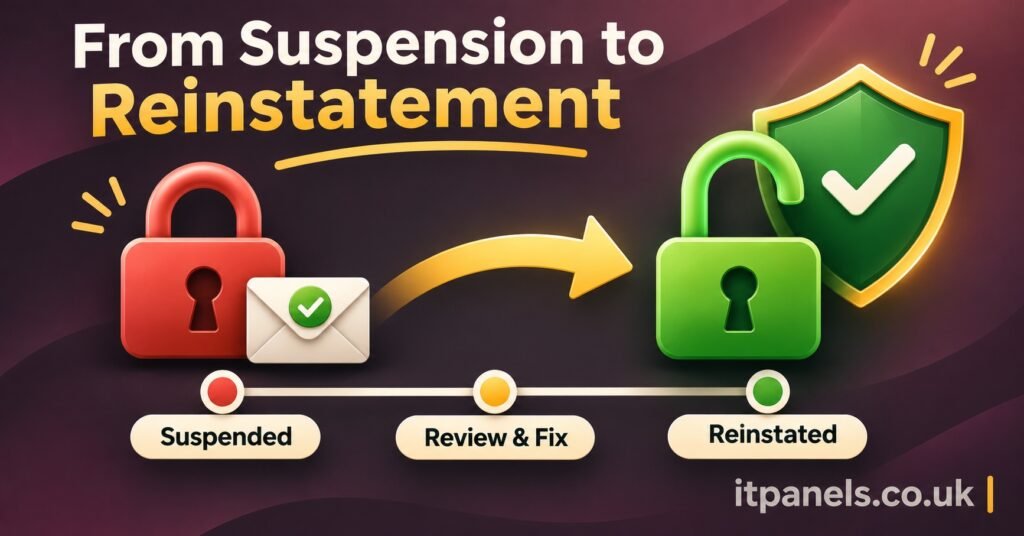
After Reinstatement: Verification Steps
Getting the account back is not quite the end of the job. Before you return to normal operations, confirm that everything works as it did before.
Log in and check that your credit balance matches your own records, including any credits returned or deducted during the review. Create a test activation, or renew one known account, to confirm that write actions work as well as read access. Check a few customer lines to make sure none expired or were disabled during the suspension. If any did, extend them before customers notice. Finally, keep the provider’s reinstatement message with your evidence file. If the same flag ever fires again, that record shortens the next conversation.
If an access flag caused the suspension, this is also the time to tidy up permissions: one login per person, sub-resellers on their own accounts, and a password that nobody outside the business has ever seen.
Questions Resellers Ask During a Suspension
How long does an IPTV reseller account review usually take?
It varies by provider and trigger, and no standard timescale applies across the industry. Billing cases often move quickest once proof of payment arrives. Policy reviews involve a person reading your case, so they generally take longer. Ask the provider for an expected timeline in your first message.
Will my customers lose their subscriptions?
That depends on the provider’s setup. Some keep existing lines active during a review. Others disable everything under the account. Check a few lines yourself, and ask the provider directly whether lines can stay live while the case is open.
Can I move my customers to another provider while I wait?
You can, but it is a business decision with costs. Moving means new credentials and new setups for each customer, and possibly lost credit balance with the original provider. If the trigger is a simple billing fix, waiting is usually less disruptive.
Are unused credits refunded if the suspension becomes permanent?
That depends entirely on the provider’s terms. Read the credit and refund sections of your reseller agreement, and ask about unused credits in writing if a permanent closure is mentioned.
Should I appeal if I genuinely broke the rules?
Yes, if you have fixed the problem and can show it. Admit the issue plainly, describe the change, and ask for reconsideration. Reviewers tend to respond better to a straightforward acknowledgement than to an explanation that avoids the point.
Getting Back to Business
An IPTV Reseller Account Suspension is rarely as final as it first feels, but recovery depends on naming the right trigger before you write a word to support. Settle billing problems with paperwork, settle access flags by showing you control the account, and answer policy notices clause by clause. Some cases will not be reversed, particularly where content rights are involved, and no evidence file can change that. For everything else, a calm, documented appeal sent through the right channel gives you the best chance of a quick answer. If you are reviewing how your panel access, credits and sub-reseller accounts are organised after a scare like this, the itpanels.co.uk IPTV reseller panel overview is a useful place to start.
