

IPTV Reseller Panel Backup: Exports and Restore Tests 2026

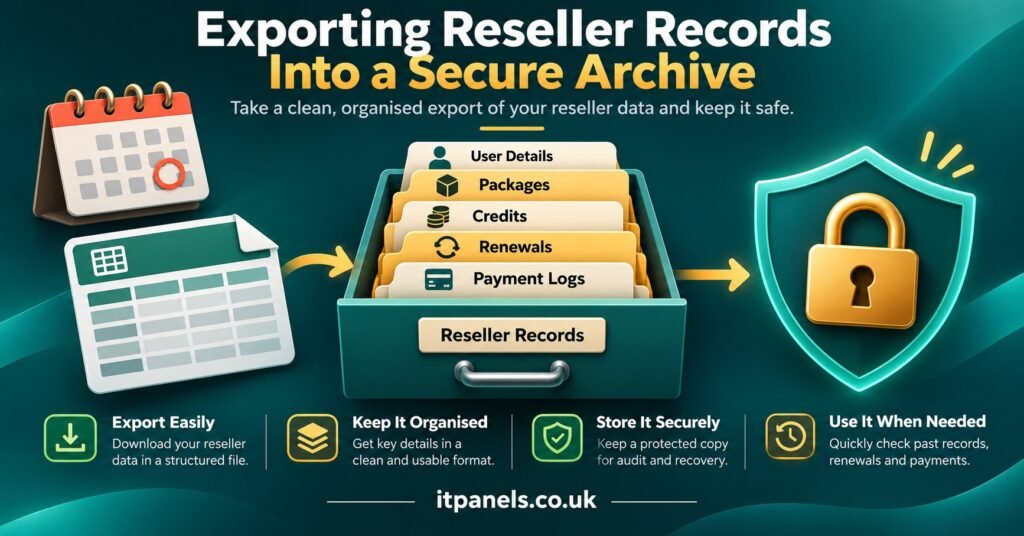
An IPTV Reseller Panel Backup is a copy of everything you would need to keep serving customers if the panel suddenly became unavailable: who each subscriber is, when their line expires, how many connections they hold, which sub-reseller sold it, what credits you bought and used, and how to contact every person. Your provider controls the server and its database, so you cannot back up the panel itself. What you can protect is your side of the business, and that means exporting customer and credit records on a fixed schedule, storing one copy somewhere the panel cannot touch, and proving you can work from it.
That last part is the one most often skipped. A spreadsheet exported eight months ago and saved on the same laptop you use to log in looks like cover, but it fails at the moment you reach for it. Before trusting any copy, open it on a different device, pick five customers at random and ask yourself whether you could answer their next support message without the dashboard. If the answer is no, you are holding an archive, not a backup.
[ez-toc]
What Your Provider Holds and What Only You Can Protect
Reseller panels split responsibility in a way that is easy to misread. The provider runs the infrastructure: the streaming servers, the line database, the authentication system and the dashboard software. If their database fails, restoring it is their job, and you have no access to their backup copies or their recovery timetable.
Your responsibility sits one layer up. The panel records what you created, but it was never designed as your customer relationship system, and you have no guarantee it will be reachable when you need it. Accounts get locked, providers change platforms, dashboards go offline for maintenance, and occasionally a provider stops trading altogether.
| Record | Who normally holds it | Why you need your own copy |
|---|---|---|
| Line usernames, expiry dates, connection limits | Provider database | You cannot plan renewals or answer customers without them |
| Customer names, phone numbers, email addresses | Usually you (chats, notes) | The panel often stores little or no contact data |
| Credit purchases and invoices | Provider and your payment records | Evidence if a balance is disputed or lost |
| Sub-reseller structure and their allocations | Provider database | You need to know who owes what and who serves whom |
| Notes on devices, apps and past issues | Usually nowhere formal | Speeds up support and repeat setups |
The pattern in that table matters. Half of what you need was never inside the panel in the first place. A good backup joins the two halves into one record per customer.
Building the Export: Fields Worth Capturing
Start with whatever export function your panel offers. Some dashboards provide a CSV or Excel download of active and expired lines; others only show paginated tables, and a few offer an API that returns line details in a structured format. Check what yours supports before designing a routine around it, because the method decides how often you can realistically export.
Whichever route you use, aim for one row per subscriber line with these fields:
- Line username (and an internal customer reference if you use one)
- Customer name and preferred contact channel
- Creation date, expiry date and package length
- Maximum connections allowed
- Sub-reseller or seller responsible for the line
- Device and app used at setup
- Trial or paid status
- Last renewal date and amount received
- Free-text notes on known issues
Keep a second, smaller file for credits: date of each purchase, quantity, price paid, payment reference and the running balance shown in the panel on the export date. If a balance ever disappears or is disputed, this ledger is the evidence you will rely on, and the provider’s own records are not something you can count on seeing.
Passwords deserve a separate decision. Many resellers keep line passwords so they can resend login details quickly, but a file full of working credentials is exactly what you do not want leaked. If your panel lets you view or reset a line’s password on demand, leave passwords out of the backup entirely. If you must keep them, store that column in an encrypted file separate from the main export.
Pro tip: Name every export with the date in year-month-day order (for example, lines-2026-10-28.csv). Files then sort chronologically on any device, and you can see at a glance how stale your latest copy is.
Panels without a proper export function need a fallback. Copying tables page by page is tedious but workable for a small customer base; for anything larger, ask your provider whether an API or bulk export is available. It is a reasonable question to put to any provider before you commit credits, alongside the usual checks on support and renewal terms covered when comparing IPTV reseller panel options at IT Panels.
Setting Recovery Targets You Can Actually Meet
Two numbers turn a vague intention into a plan. The first is how long you could go without access to your records before customers notice something is wrong. IT teams call this the recovery time objective. The second is how much recent activity you could afford to lose, which is the recovery point objective. Your export schedule sets that second number directly: export weekly, and in the worst case you lose up to seven days of new lines, renewals and notes.
For a reseller, these targets should be anchored to real events rather than to round numbers. Consider a hypothetical operation with around 180 active lines and three sub-resellers. Renewals cluster at the start and end of each month, and support messages arrive most evenings. If the panel became unreachable on the 30th of the month, the questions that matter are concrete ones. Can you tell which customers expire in the next 48 hours? Can you message them with an accurate update? Can you tell your sub-resellers which of their customers are affected?
A sensible set of targets for that business might look like this:
- Be able to identify every line expiring within seven days, using only the backup, within one hour of losing panel access.
- Lose no more than one day of renewal records during the busiest week of the month.
- Contact every affected customer within 24 hours of a confirmed outage.
Those targets then dictate the routine. A one-day loss limit during renewal week means exporting daily for that week, even if weekly exports are enough the rest of the month. A one-hour identification target means the backup must already be sorted and readable on a phone, not buried in a zipped folder on a desktop at home.
The targets will differ for a reseller with 30 customers and one with 600. What matters is writing them down, because an unwritten target is never tested.
A Worked Restore Test
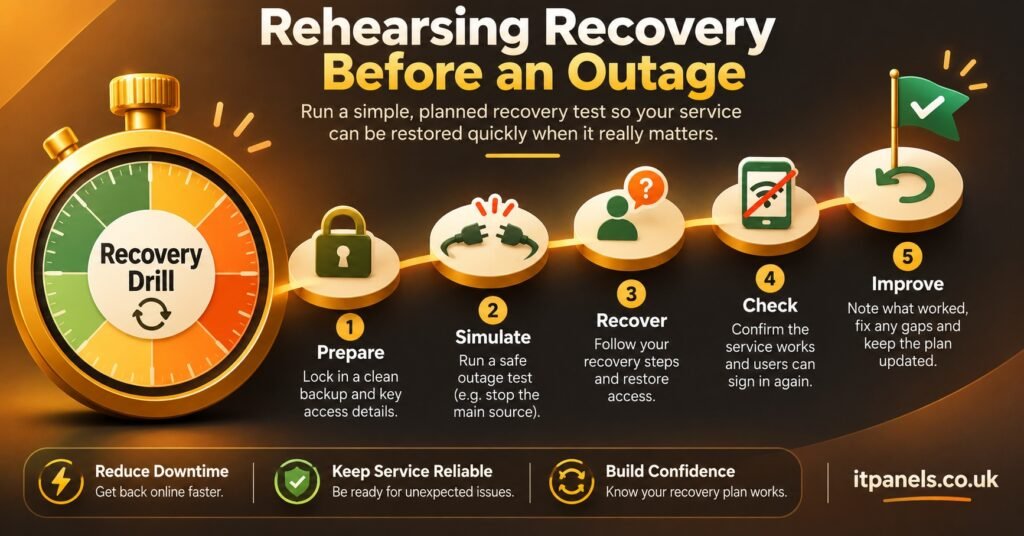
A restore test answers one question: if the panel vanished right now, could you carry on from the backup alone? Run it quarterly at minimum, and after any change to your export method.
Step one: work from a different device
Open the latest backup on a device you do not normally use for the panel. This catches the most common failure, which is a backup that only exists, or only opens, on one machine.
Step two: check freshness and completeness
Compare the row count in the export with the active line count shown in the panel today. A gap of a few lines since the last export is expected. A gap of dozens means the schedule is slipping or the export is silently missing a category, such as trial lines or lines belonging to sub-resellers.
Step three: run the five-customer drill
Pick five subscribers at random. For each, answer from the backup only: their expiry date, their connection limit, their device, how to reach them and who sold the line. Then check each answer against the live panel. Any mismatch tells you which field is unreliable.
Step four: simulate the urgent message
Using the backup, produce the list of everyone expiring in the next seven days and draft the message you would send if the panel were unavailable. Time how long this takes. If it exceeds the target you set, the data is probably correct but the format is not usable under pressure.
Step five: record the result
Keep a short log: date, row count, mismatches found, time taken and what you changed. The log is useful in its own right, because it shows whether your backup routine is getting more reliable or quietly decaying.
Rehearsing Failure: Five Scenarios to Walk Through
Restore testing proves the data is sound. Failure simulation proves the business can act on it. These are tabletop exercises: sit down with your team, or alone with a notepad, read the scenario and talk through exactly what happens in the first hour, the first day and the first week. The UK National Cyber Security Centre offers a free tool called Exercise in a Box for structured exercises of this kind, and the principle scales down well to a small operation.
Your panel login is locked or suspended
You can still reach customers, but you cannot renew, create or check anything. The backup tells you who expires soon. The rehearsal should answer who contacts the provider, through which channel, and what you tell customers who are due to renew in the meantime.
The provider is unreachable for several days
This is the scenario that most needs honest planning. Your backup lets you contact every customer, explain the situation and, where appropriate, issue refunds for unused time. It does not give you the right to move customers onto another service without checking that service’s legitimacy. A backup protects your relationships and records; it is not a substitute for properly authorised content delivery, and a provider’s disappearance is a good moment to confirm that whoever you work with next can show appropriate distribution rights.
A sub-reseller account is misused
Credits drain unexpectedly, or lines appear that nobody recognises. Your exports from before the incident show what the sub-reseller’s allocation looked like when everything was normal, which makes it far easier to identify the unauthorised activity and present clear evidence to the provider.
Your own laptop or phone is lost
If the only backup lived on that device, you have lost the backup and possibly exposed customer data at the same moment. The rehearsal should confirm that a second copy exists elsewhere and that the lost device’s access to the panel and any cloud storage can be revoked quickly.
A line is deleted or expired by mistake
The smallest scenario, and the most frequent. The backup shows the original expiry date and connection limit, so you can ask the provider to reinstate it or recreate it accurately rather than relying on the customer’s memory.
IPTV Reseller Panel Backup Mistakes That Stay Hidden Until a Restore
Most backup failures are invisible on an ordinary day. They only show up during a test or a real outage, which is why the following are worth checking deliberately.
Exporting only active lines. Expired lines look like dead weight, but they are your win-back list and your evidence if a customer disputes an expiry date. Keep them, at least for a defined period.
Missing sub-reseller lines. Some panels show sub-reseller customers in a separate view, and a default export may leave them out. Your row count check in the restore test will catch this.
Assuming the format will stay the same. Providers update dashboards. A column that used to say “Expiry” may become “End date”, or the date format may switch between day-month and month-day order. Spot-check dates after any panel update; a misread 03/04 can mean a customer contacted a month early or a month late.
Keeping every copy online and connected. A backup in a folder that syncs automatically to the same account you use for everything else is exposed to the same risks. The NCSC’s guidance on offline backups points out that keeping at least one backup offline means a single incident cannot reach all your copies at once.
Never rotating old copies. Endless dated exports turn into clutter and multiply the personal data you are responsible for. Keep a defined number, for example the last eight weekly exports plus one per month for a year, and delete the rest securely.
Treating screenshots as backups. A screenshot of the dashboard shows a moment but cannot be sorted, filtered or searched. It is useful as supporting evidence of a credit balance, not as a working record.
Where the Backup Lives: Storage, Encryption and Access
Two locations is the practical minimum: one copy you can reach quickly (an encrypted cloud folder, for instance) and one kept offline and disconnected when not in use, such as an encrypted external drive. If the cloud copy is protected by a weak password, it becomes the easiest target in your whole operation, so the NCSC recommends protecting online backups with 2-step verification. Its small organisations guidance on backing up your data is a straightforward starting point.
Customer names, phone numbers, emails and payment references are personal data, and if you serve customers in the UK, UK GDPR applies to them whether they sit in a live panel or a backup file. Collect only the fields you genuinely use, restrict who can open the files, and decide how long you keep expired customer records. If team members or sub-resellers help with support, give them access to what they need for their customers rather than the full export.
A Quarterly Backup Routine
- Confirm the export schedule still matches your recovery targets, especially around renewal peaks.
- Compare the latest export’s row count with the live panel, including sub-reseller lines.
- Run the five-customer drill from a device you rarely use.
- Time how long it takes to list every line expiring in the next seven days.
- Check that the offline copy is current and was disconnected after the last update.
- Verify 2-step verification is on for any cloud storage holding backups.
- Delete exports older than your retention period.
- Walk through one failure scenario and note what you would change.
- Reconcile the credit ledger against the panel balance.
Questions Resellers Ask About Panel Backups
Can I back up the panel itself, or only my own data?
Only your own data, in almost every case. The server, line database and dashboard belong to the provider, and recovery of those is their responsibility. Your backup covers the records you need to run your business independently of the dashboard.
How often should a small reseller export?
Let your recovery point target decide. Weekly exports suit many small operations, with daily exports during renewal-heavy weeks. If a full week of lost renewals would cause real problems, weekly is not enough.
Is it safe to store line passwords in the backup?
Avoid it if your panel lets you view or reset passwords on demand. If you need them, keep them in a separate encrypted file rather than in the main customer export.
What happens to my credits if the provider disappears?
A backup cannot restore credits. What it gives you is a clear record of what you bought, when, and what balance the panel showed, which is the evidence you would need for any refund claim or dispute under the provider’s terms.
Do sub-resellers need their own backups?
They should keep records of their own customers, but do not rely on that. Your export should include every line beneath your account, so you can still support or contact affected customers if a sub-reseller becomes unreachable.
Your Next Step
An IPTV Reseller Panel Backup is only as good as the last time you restored from it. The provider will always control the server, and no export can replace a panel that has gone offline for good, but a tested backup decides whether an outage becomes a lost month of renewals or a well-handled message to your customers. This week, run the five-customer drill on your most recent export. Whatever it reveals, whether stale data, missing columns or a file that will not open on your phone, is the first thing to fix.
