

IPTV Reseller Account Sharing: Limits and Fair Use 2026

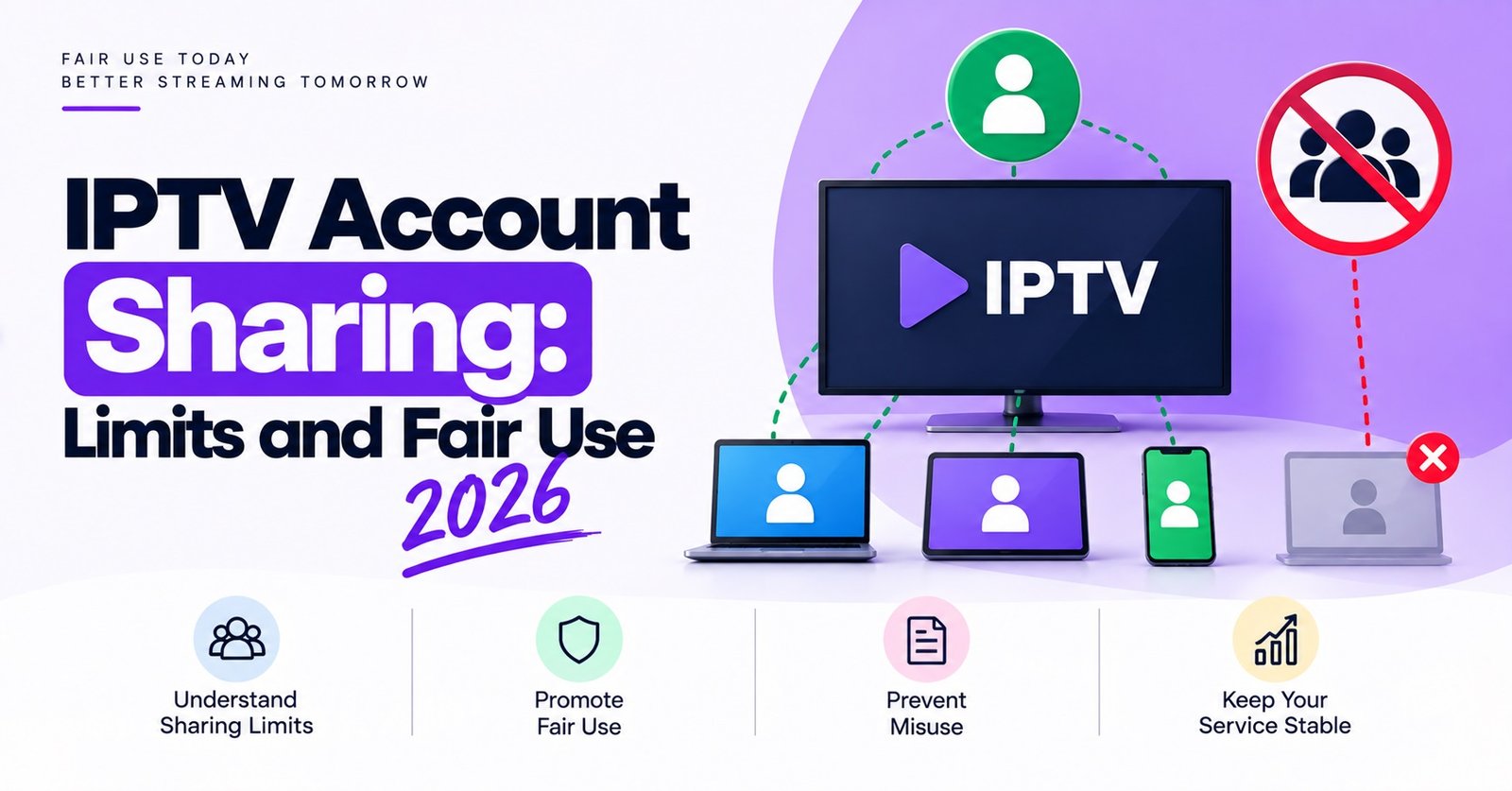
IPTV Reseller Account Sharing is allowed only up to the connection limit attached to each subscriber line. A line is normally created for a fixed number of simultaneous streams, and a customer can install it on as many of their own devices as they like, but only that number can play at the same time. Passing the login to friends, neighbours or another household is where fair use ends, and the panel will usually enforce that on its own, whether the reseller acts or not.
Before you promise a customer anything, check two things in your own panel: how many connections a standard credit gives, and what the parent provider’s terms say about lines being used from different locations. Many of the support tickets resellers deal with trace back to a line sold as “for the whole family” with no mention of how many screens could actually play at once. Get that sentence right at the point of sale and you avoid most of the arguments later.
Installed Devices and Active Streams Are Not the Same Thing
The most common misunderstanding, on both the customer side and among newer IPTV panel resellers, is treating “devices” and “connections” as one number. They are different, and the difference decides almost every sharing dispute.
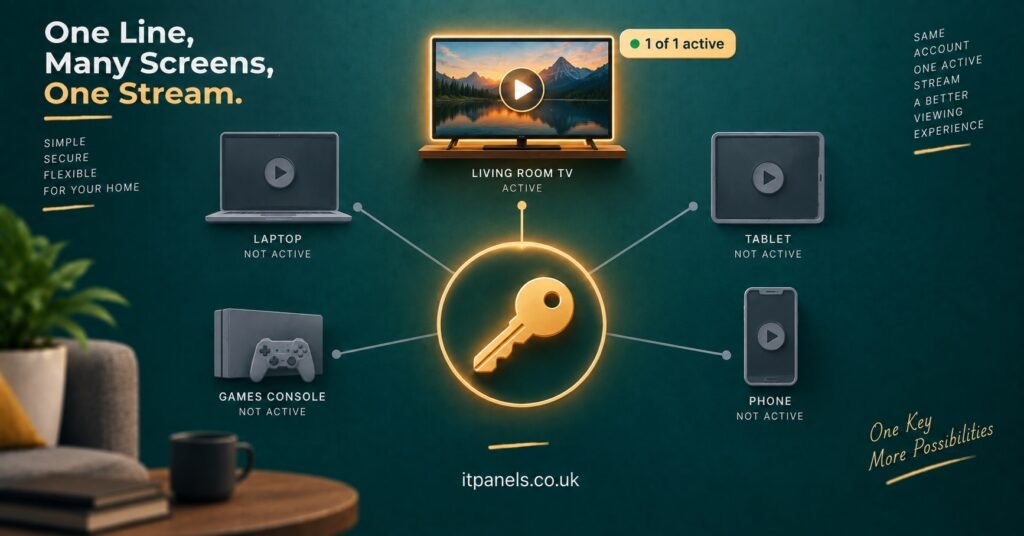
An installed device is anywhere the login has been entered: the living room TV, a streaming stick in the bedroom, a phone, a tablet. Most panels do not count these. An active connection is a stream that is actually playing. That is what the server counts, and when the count goes above the line’s limit, the newest request is usually refused or the oldest one is dropped, depending on how the backend is configured.
So a customer with a single-connection line can quite legitimately have the app on four devices at home. What they cannot do is watch on two of them at once. Explaining it this way, in plain words, tends to settle the matter faster than quoting terms and conditions.
Pro tip: When you create a line, write the connection count into the welcome message you send with the login details. “Works on all your devices, plays on one screen at a time” is clearer than any policy page.
How the Panel Enforces Limits Without You Doing Anything
Resellers sometimes assume that sharing is a matter of trust between them and the customer. In practice, the server enforces most of it automatically. When a line is opened on more streams than it allows, the customer typically sees a “maximum connections reached” style error, a stream that refuses to start, or playback that stops on one screen as soon as another begins.
Some providers go further and watch for the same line being used from several unrelated IP addresses within a short window. Behaviour like that looks less like a family and more like a login being passed around, so the line may be flagged, temporarily locked, or disabled. The exact rules vary between providers and are rarely published in full, which is one reason to ask your supplier directly rather than guess.
Checking active connections and recent activity from your reseller dashboard is the practical way to see what is happening before a customer reports it as a fault. Depending on the panel, you may be able to see live connections, the last IP address used, or simply whether a line is currently in use.
Where Fair Use Ends: IPTV Reseller Account Sharing in Real Households
Fair use is not a legal term here. It is the working agreement between reseller and customer about what a single line is reasonably expected to cover. The situations below come up repeatedly, and the answer is not always “no”.
| Situation | How it usually counts | What to tell the customer |
|---|---|---|
| Same household, one person watching at a time | Within fair use on a single connection | Install it anywhere at home, just not two screens at once |
| Two family members watching different things together | Needs a multi-connection line | Upgrade the line rather than share one |
| Customer watching on a phone while away from home | Usually fine if the home screen is idle | One stream at a time still applies |
| Adult child at university using the parent’s login | Separate location, often flagged | A second line avoids lockouts |
| Login passed to a friend or neighbour | Outside fair use | Sharing risks the line being disabled |
| Login posted online or in a group chat | Clear misuse | Line will be closed, no credit refund |
The travelling case causes the most confusion. A customer on holiday who uses their line on a phone while nobody watches at home is behaving normally. If the same line is playing at home and abroad at the same moment, the server sees two streams, and the behaviour starts to look like sharing even when it is innocent.
What Sharing Costs a Reseller in Support Time
The damage from shared lines rarely shows up as a single dramatic event. It shows up as a steady trickle of tickets that look like technical faults but are not.
A customer whose login has been given to a relative reports that the stream “keeps stopping”. It does, because two people are fighting over one connection. Another reports the service “suddenly stopped working”, when the provider has locked the line after seeing it used across several cities. Each of these takes time to diagnose, and until you check the connection history, it can look exactly like a server problem. That misdiagnosis is the expensive part: resellers sometimes escalate to their provider, rebuild lines or issue free days for faults that were never faults.
There is also a knock-on effect on the relationship with the parent panel. Providers generally hold the reseller responsible for the lines created under their account. A pattern of flagged or abused lines can lead to warnings, restrictions on the IPTV reseller account, or in some cases closure, and credits already spent on disabled lines are usually not returned. The exact policy depends on the provider, so read your agreement rather than assume leniency.
Pro tip: Before troubleshooting any “stream keeps stopping” ticket, check the line’s active connections first. It takes a minute and rules out the most common non-technical cause.
Setting a Sharing Policy Customers Will Actually Read
Long terms pages do not prevent sharing, because customers do not read them. What works is a short, plain policy that appears in three places: on the sales page or price list, in the welcome message with the login, and in your reply the first time a customer asks.
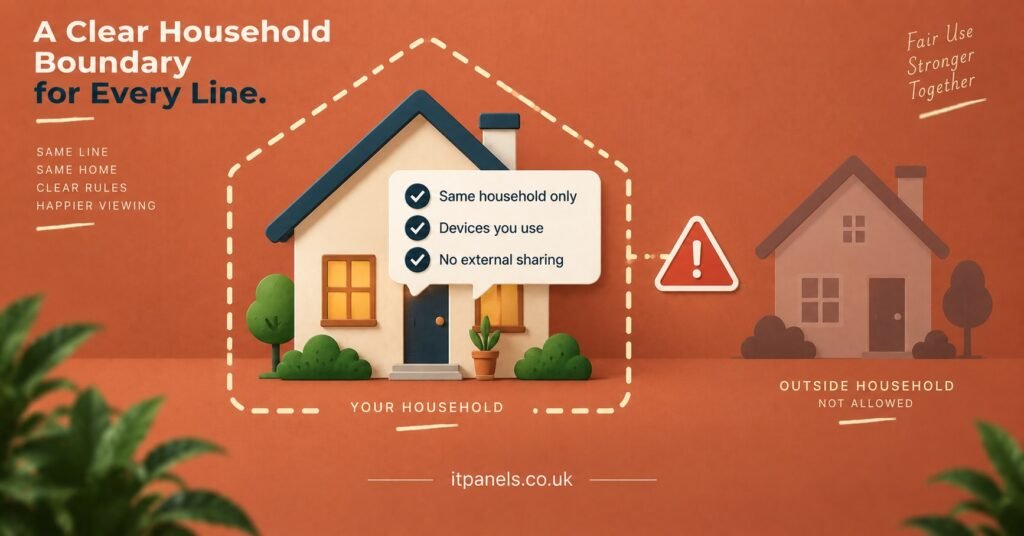
A workable policy covers four points. The line is for one household. It can be installed on any of that household’s devices. It plays on the stated number of screens at the same time. Sharing the login outside the household can get the line disabled without a refund. That last point matters because it frames enforcement as a consequence the customer understood, not a punishment you invented after the fact.
Keep the tone neutral. Most customers who exceed their limit are not trying to cheat anyone; they simply did not realise that two TVs on at once counts as two connections. Treating the first instance as an explanation rather than an accusation keeps the customer, and often leads to an upgrade.
The Honest Alternative: Selling the Right Number of Connections
Most sharing problems disappear when the customer is sold the line that fits their household in the first place. On many panels, a multi-connection line costs more credits than a single-connection line, so it has a direct effect on your pricing. That is a reason to price it properly, not to avoid offering it.
A useful habit is asking one question at the point of sale: how many screens might be playing at the same time on a busy evening? The answer tells you which line to create. It also turns a potential dispute into a sensible upsell, and customers generally accept a higher price when they can see it matches how they actually watch.
For households that genuinely need separate locations, such as a family member living elsewhere, a second line is cleaner than a multi-connection line stretched across two addresses. It avoids location flags, and if one line has a problem, the other is unaffected.
Handling a Customer Who Has Been Sharing
When the connection history makes it clear a line is being shared, the approach that tends to work is simple. Tell the customer what the dashboard shows, without accusation: the line has been used on more screens or from more places than it covers. Offer the fix: an upgrade, a second line, or a password reset to take back control of the login. Then say what happens if the pattern continues.
Resetting the line’s credentials is often the quickest solution when a customer admits they gave the login to someone once and now regret it. It cuts off the other user without penalising the paying customer.
If a login has been published publicly or resold, the situation is different. That line is a risk to your whole reseller account, and closing it promptly protects your standing with the provider more than any single subscription is worth. It is also worth remembering that IPTV is a delivery technology; whether the service your customers receive is lawful depends on the rights and permissions behind the content and on local requirements, and a well-run reseller operation takes that seriously alongside account security.
Frequently Asked Questions
Can a customer install one line on several devices at home?
Usually yes. Most panels limit simultaneous streams rather than installations, so the app can sit on several household devices as long as only the permitted number play at once.
Why does a shared line stop working even when the connection limit is not exceeded?
Some providers monitor where a line is used from. A login appearing from several unrelated locations can be flagged or locked even if streams never overlap, because the pattern suggests the account is being passed around.
Will I get my credit back if a customer’s line is disabled for sharing?
Generally not. Credits are consumed when the line is created, and providers rarely refund lines closed for misuse. Check your own supplier’s terms to be sure.
Is it better to sell a multi-connection line or two single lines?
For one household watching on several screens, a multi-connection line is usually simpler. For people in different homes, separate lines avoid location flags and keep each account independent.
How can I check whether a line is being shared?
Look at active connections and recent activity in your reseller dashboard, if your panel shows them. Repeated connection-limit errors or activity from unfamiliar locations are the usual signs.
Reseller Checklist for Shared-Line Issues
- Confirm how many connections each credit type gives on your panel before quoting prices
- Put the one-household, screens-at-once rule in the welcome message with every login
- Ask new customers how many screens play at the same time on a busy evening
- Check active connections before treating any “keeps stopping” ticket as a server fault
- Reset credentials when a customer admits the login was given out
- Close publicly posted or resold logins straight away to protect your reseller account
- Keep a note of which customers have been warned, so repeat cases are handled consistently
Getting Account Sharing Right From the First Sale
IPTV Reseller Account Sharing is manageable once the difference between installed devices and active streams is clear to everyone involved. A household using one line across its own devices, one screen at a time, is normal fair use. Two screens at once needs the right line, and a login passed to another household is outside what the line was sold for, with real consequences for the customer and for your reseller account.
The limits and enforcement methods vary by provider, so the sensible next step is to confirm your own panel’s connection rules and write them into your sales page and welcome message before the next line goes out. If you are reviewing panel options or credit structures, you can explore the IT Panels IPTV reseller panel and credit options to compare how connection counts are packaged.

[…] quicker than asking the customer to walk round the house turning things off. Check whether your IPTV reseller panel offers that view, because it turns a frustrating support ticket into a thirty-second […]