

Why IPTV Connection Limits Cut Off Your Second Screen 2026

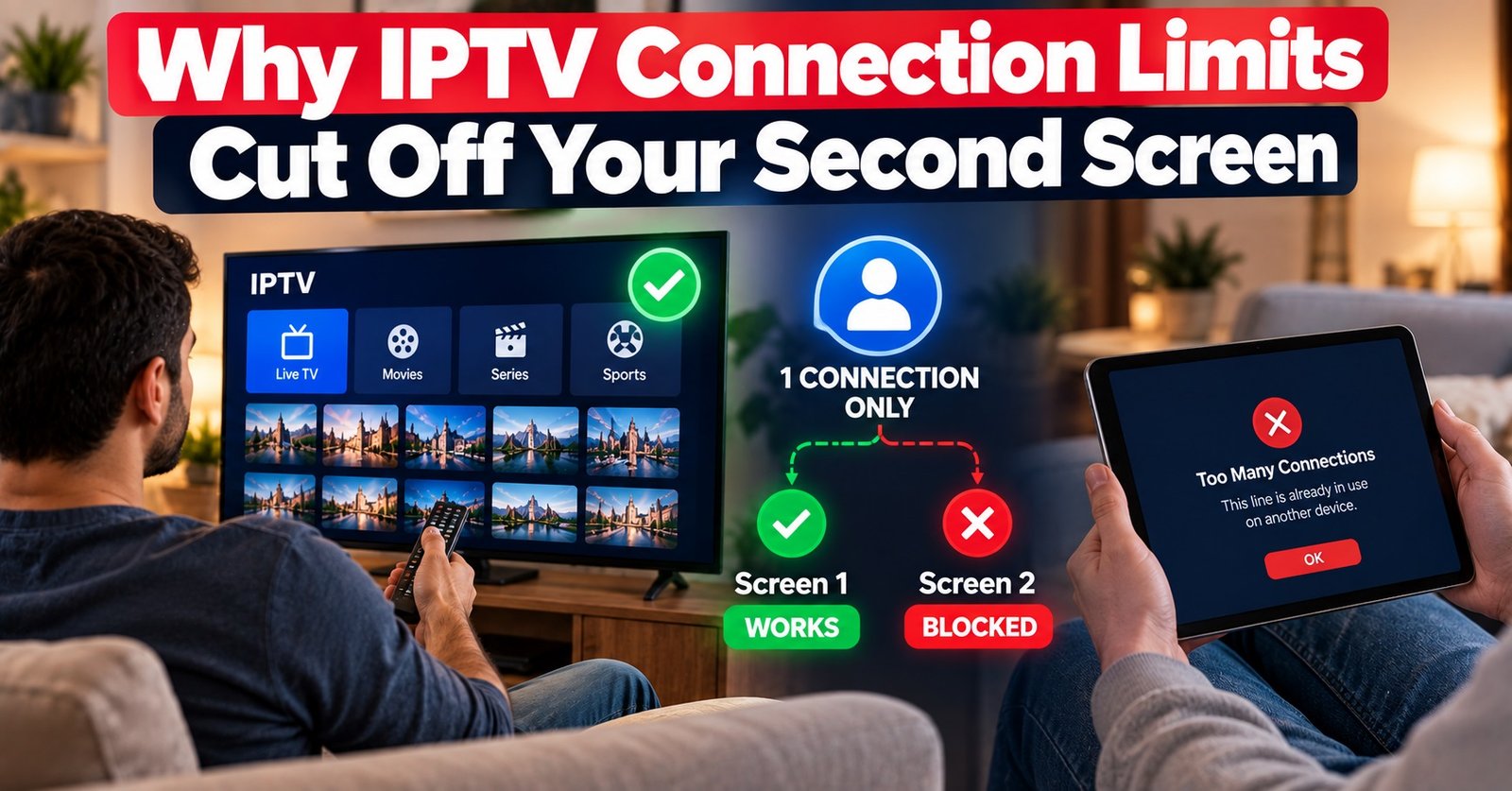
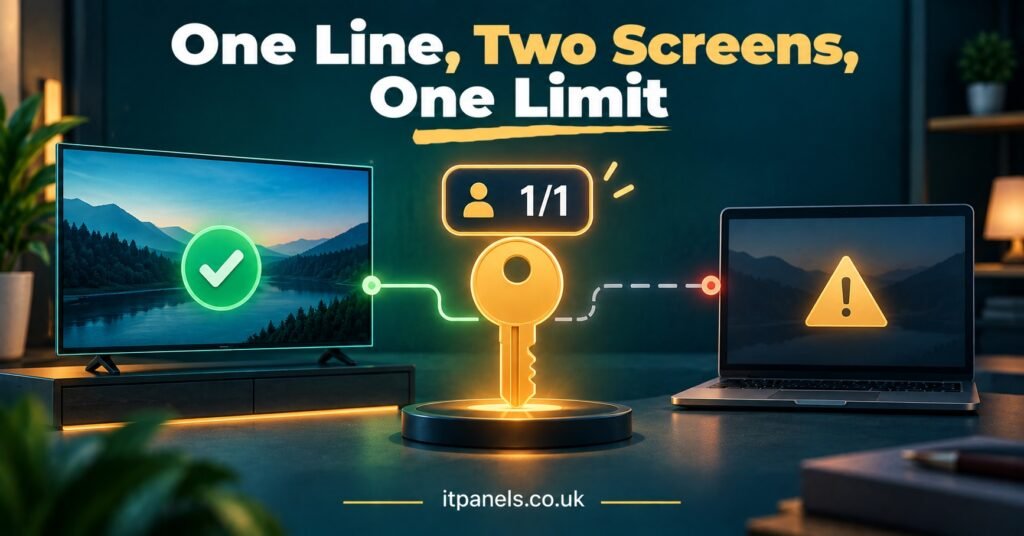
IPTV Connection Limits set how many streams a single subscription can play at the same moment, not how many devices the customer is allowed to install the app on. A one-connection line lets one screen watch at a time; a two or three-connection line lets that many screens play together. The app can sit on five devices quite happily, but the moment a second screen presses play on a single-connection line, the panel sees one stream too many and something gets cut off.
Most complaints about this come from a mismatch between what the customer assumed they bought and what the line was actually created with. Someone who hears “works on all your devices” often takes it to mean “works on all your devices at once”. Before any line is activated, the useful question is not which devices the household owns, but how many people in that household are likely to be watching separately on a busy evening. That number, not the device count, is what the connection limit should match.
What the Panel Is Actually Counting
A connection is an active stream request from the subscriber’s credentials to the server. When a customer opens a player app, logs in and scrolls through categories or the programme guide, most panels do not treat that as a connection in use. The count starts when a live channel or on-demand title actually begins playing, and it ends when playback stops and the server registers that the session has closed.
This is why a household can have the same login saved on a smart TV, a phone, a tablet and a streaming stick without any trouble. Installation is not the limit. Simultaneous playback is.
There are two things worth knowing that surprise customers:
- A paused stream may still be counted as active, because the player has not always released the session.
- Picture-in-picture, multi-view features or a second instance of the app on the same device can each open a separate stream, which uses a second connection even though only one person is watching.
Exact behaviour depends on the panel software and the player app, so IPTV panel resellers should check how their own provider handles these cases rather than assuming.
Where IPTV Connection Limits Catch Customers Out
The typical pattern is simple. One person is watching in the living room, someone else starts something in the bedroom, and one of the two streams freezes, drops back to the menu or shows a message saying the maximum number of connections has been reached.
Which stream gets cut depends on how the provider configures the panel. On some systems the newest request is refused, so the person already watching carries on and the second person gets an error. On others the older session is closed to make room for the new one, which feels like the first viewer’s stream “randomly” died. Customers usually describe the second behaviour as buffering or an unstable service, when nothing is wrong with the stream at all.
That misdiagnosis costs time. Support ends up checking internet speeds and restarting devices when the real answer is that two people tried to watch on a line built for one.
| Household situation | Single connection | Multiple connections |
|---|---|---|
| One viewer, several devices, used at different times | Works as expected | More than needed |
| Two people watching separately in the evening | Second stream is blocked or the first is dropped | Both play, up to the line’s limit |
| Viewer leaves one screen paused and moves to another | Second screen may be refused until the first session clears | Usually fine |
| Line shared with relatives at another address | Constant conflicts, and likely against the terms of use | Still likely to breach terms, even if the count allows it |
The Conversation to Have Before the Line Is Created
Most connection problems can be prevented at the point of sale with one or two plain questions. “How many devices do you have?” gets the wrong answer. “How many people in your home might be watching different things at the same time?” gets the right one.
A few customer types come up repeatedly:
The single viewer who watches on the TV in the evening and on a phone during the day needs one connection. Selling them more is unnecessary, and they will notice if a later renewal is priced higher for something they never used.
Couples and small families usually need two. The busiest time of day matters more than the average, because the limit only bites when screens overlap.
Larger households, or homes where children watch on tablets while adults use the main TV, may need three or more. It is worth confirming the provider actually offers that option on the package in question, since not every panel exposes the same connection choices.
Pro tip: Write the connection count into the activation message you send with the login details, in plain words such as “This line allows 2 screens to watch at the same time.” It removes most of the “but you said all my devices” disputes before they start.
Wording on sales pages matters too. Phrases like “use on any device” are accurate but invite the wrong reading. “Install on as many devices as you like, watch on up to X at once” is clearer and costs nothing.
Phantom Connections That Are Not Really There
Sometimes a customer on a single-connection line insists nobody else is watching, yet the error still appears. They are often telling the truth. The usual causes are:
- The app was closed without stopping playback, and the session has not yet timed out on the server.
- A streaming stick or box went to sleep mid-stream and kept the session open.
- The customer switched from the TV to a phone quickly, and the second request arrived before the first session ended.
- A router restart gave the connection a new IP address while the old session was still registered.
In most of these cases, stopping playback properly on every device and waiting a short while before trying again clears the problem. Some reseller dashboards also let you see active sessions on a line or kill connections manually, which is much quicker than asking the customer to walk round the house turning things off. Check whether your IPTV reseller panel offers that view, because it turns a frustrating support ticket into a thirty-second fix.
If the phantom connection keeps returning when the customer is certain no other device is in use, it is worth considering whether the login details have spread beyond the household. Resetting the line’s password or credentials, where the panel allows it, usually settles the question quickly.
Pro tip: Teach customers to press stop or back out to the menu before switching screens, rather than just turning off the TV. It is the single habit that prevents the most false “max connections” errors.
Upgrading the Line or Adding a Second One
When a customer outgrows a single connection, there are two usual routes, and they suit different people.
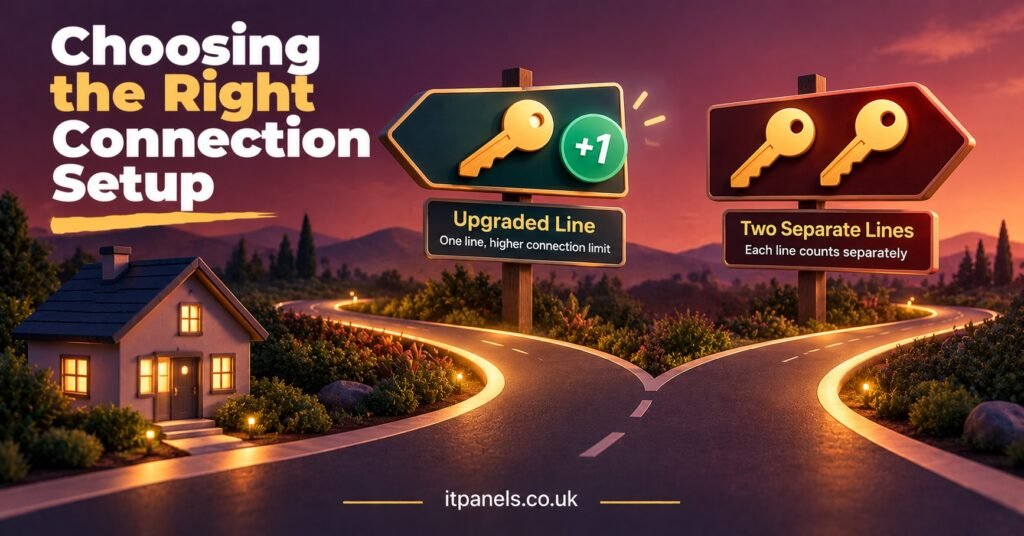
| Option | Best suited to | Limitation |
|---|---|---|
| One line with more connections | A single household that wants shared login details and one renewal date | Everyone shares one account, so a problem with the credentials affects every screen |
| Two separate single-connection lines | People who want independent logins or different renewal dates | Two renewals to manage and two sets of credentials to support |
Credit cost is the other factor. Multi-connection lines commonly use more credits than single lines, but the ratio varies from provider to provider and panel to panel, so check your own credit table before quoting a price. Some resellers price the upgrade so the multi-connection line is slightly better value than two single lines, which nudges households towards one tidy account.
For the reseller, fewer lines usually means fewer renewals to chase and fewer support conversations. For the customer, one login is simpler to live with. The separate-line route makes more sense when the viewers genuinely are separate, such as two adults who pay for their own subscriptions.
Sharing Outside the Household
A higher connection count is not permission to split one account between different homes. Most providers set their terms around a single household, and some panels monitor for the same credentials being used from multiple locations at once. IPTV Resellers should read their provider’s terms and pass the relevant part on to customers in plain language, because a line suspended for sharing is still a support problem that lands on the reseller.
It is also worth remembering that IPTV is a delivery technology. Connection limits are a technical and commercial setting; they say nothing about whether the content being delivered is properly licensed. That depends on rights and permissions from authorised content providers, and on the rules in the customer’s own country.
Questions Customers Ask About Connections
Does logging in on a new device use up a connection?
Normally no. Logging in and browsing menus does not count on most panels. The connection is used when playback starts.
Can I switch from the TV to my phone on a single-connection line?
Yes, as long as playback has properly stopped on the TV first. If you switch very quickly, the old session may still be registered for a short time and the phone may show a connection error.
Why did my stream stop when my partner started watching?
Your line allows fewer simultaneous streams than you were using. Depending on how the panel is set up, either the new stream is refused or the older one is closed.
Can my reseller add a connection to my existing line?
Often, but it depends on the provider and panel. Some allow the connection count to be changed on an active line; others require a new line to be created. Ask before your renewal date so it can be planned.
Will more connections make my streams more stable?
No. Extra connections only allow more screens to play together. They do not improve picture quality, speed or stability on any individual stream.
Getting the Count Right From Day One
IPTV Connection Limits are simple once the distinction is clear: devices are where the app lives, connections are how many screens can play together. Most frustration comes from that distinction not being explained before the line was made, and from phantom sessions being mistaken for a faulty service. Behaviour does vary between panels and player apps, so check how your provider handles session timeouts, which stream gets dropped, and whether connection counts can be changed on an active line. If you are setting up or reviewing a reseller operation, it is worth comparing how different IPTV reseller panel options at IT Panels present connection choices before you standardise your own customer wording.
Reseller Checklist for Connection Orders
- Ask how many people watch separately at the busiest time, not how many devices they own
- Confirm which connection counts your provider offers on the package being sold
- Check the credit cost of each connection option before quoting
- State the simultaneous screen count in writing in the activation message
- Find out whether your dashboard shows active sessions or lets you close them
- Explain the “stop before switching screens” habit to every new customer
- Pass on the provider’s household and sharing terms in plain language
