

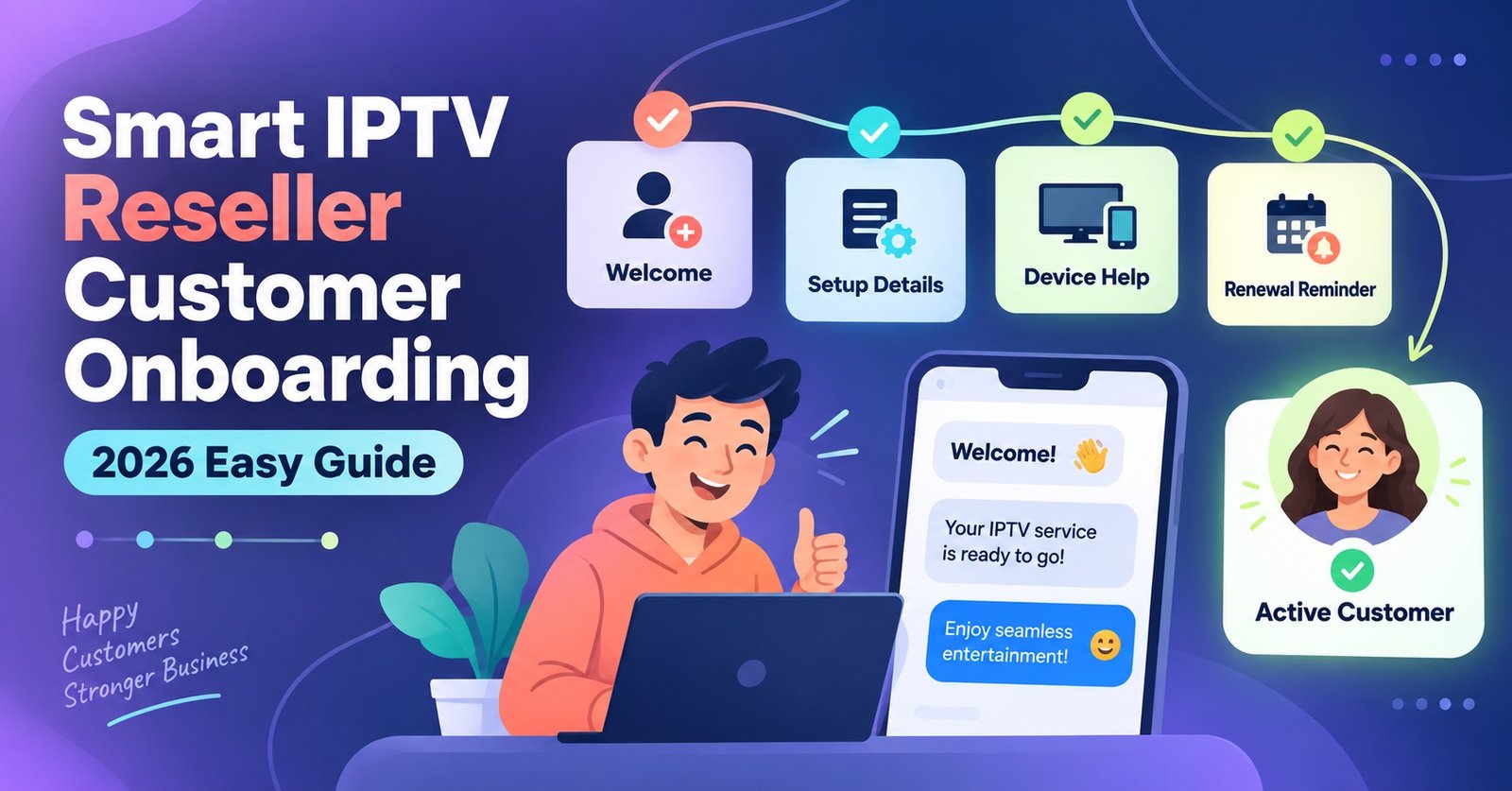
Smart IPTV Reseller Customer Onboarding 2026 Easy Guide

IPTV Reseller Customer Onboarding is the sequence a reseller follows from the moment a customer pays through to the point their account is stable and generating no support tickets. Done properly, it takes fifteen minutes of admin spread across two days. Done badly, it turns into a week of back and forth messages, refund requests, and a customer who assumes the whole service is broken when the real problem was a rushed handover.
Why Onboarding Deserves Its Own Process
Most IPTV panel resellers treat onboarding as an afterthought. Payment comes in, a line gets created in the panel, credentials get copied into a message, and the reseller moves on to the next task. That approach works until volume increases, and then every skipped step turns into a support conversation that could have been avoided.
A repeatable process matters because IPTV playback problems are rarely obvious from the outside. A buffering stream, a blank guide, or a login that won’t authenticate could be a genuine server issue, a misconfigured app, or simply a customer who typed their password with a capital letter the panel didn’t expect. Without a structured onboarding sequence, every one of those gets treated as an emergency. With one, most of them get caught before the customer notices anything wrong.
Before You Create the Line: What to Confirm First
Activation should never be the first thing that happens after payment clears. Two questions need answering first, and skipping them is where a lot of onboarding friction actually starts.
The first is which app the customer intends to use. A line created for one player type will usually still work in another, but the setup instructions you send afterward need to match the actual app on their device, not a generic template. Ask before you activate, not after they message you confused.
The second is which devices will be connecting. A single Firestick behaves differently to a smart TV app or a phone player, and connection limits matter here. If a customer expects to use the same login on three devices simultaneously and the plan only permits one, that conversation is far easier to have before activation than after they’ve already tried and failed.
IPTV Reseller Customer Onboarding: The Activation Sequence
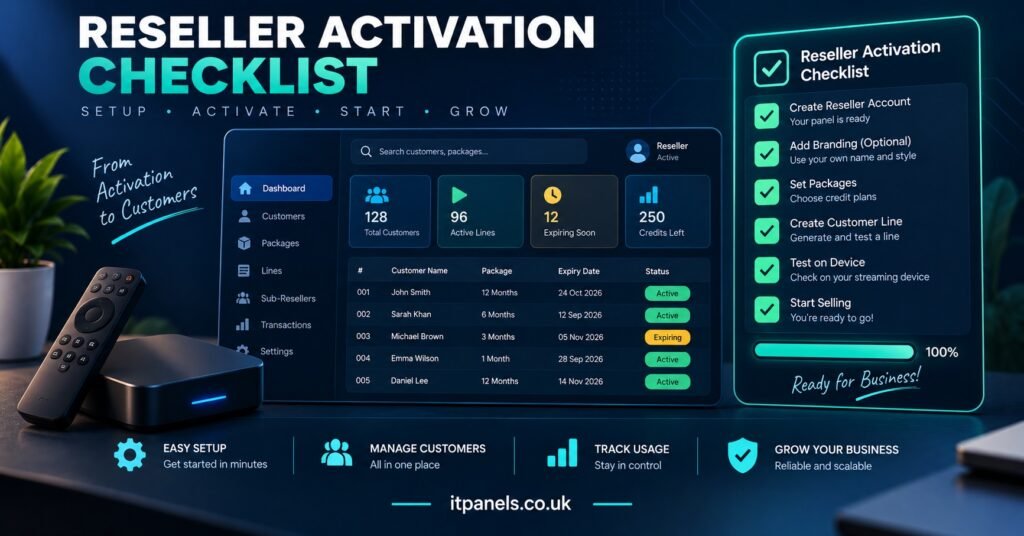
Once those two details are confirmed, the actual activation should follow the same order every time, regardless of which panel software sits behind it.
Create the line with an expiry date that matches what was paid for, not a placeholder date you intend to fix later. Panels rarely send a reminder if that field gets left wrong, and a customer whose subscription ends three days after activation because of a typo will not accept an explanation about admin error.
Test the line yourself before sending it to the customer. This means logging in with the actual credentials on a player, not just checking that the panel shows the account as active. A line can appear correctly provisioned in the dashboard and still fail to authenticate, particularly straight after bulk creation when a server is processing several new accounts at once.
Only send credentials once that test has passed. This single step, tested before sent, removes a large share of first-day support messages before they happen.
Handling Credentials Without Creating a Support Nightmare
Credentials are where a surprising number of onboarding problems begin, and almost none of them are technical.
Send login details as plain text the customer can copy directly, not as a screenshot they have to retype by hand. Screenshots introduce transcription errors, particularly with passwords that mix numbers and letters, and a mistyped password produces the same symptom as a genuinely broken line: nothing loads, and the customer assumes the service has failed.
Include the server address or portal URL alongside the username and password, not as a separate message sent later. Customers setting up M3U link and Xtream Codes credentials often don’t realise a portal URL is a required field rather than an optional one, and a login attempt with that field left blank fails silently in most apps.
Pro tip: Keep a saved template with every required field already labelled, so nothing gets left out when you’re onboarding several customers back to back.
State clearly whether the login works across multiple devices or is locked to one. This is a common source of tickets that look like technical faults but are actually a customer using the same credentials on a second device without realising the first one gets disconnected.
The First 48 Hours: What to Watch and When to Step In
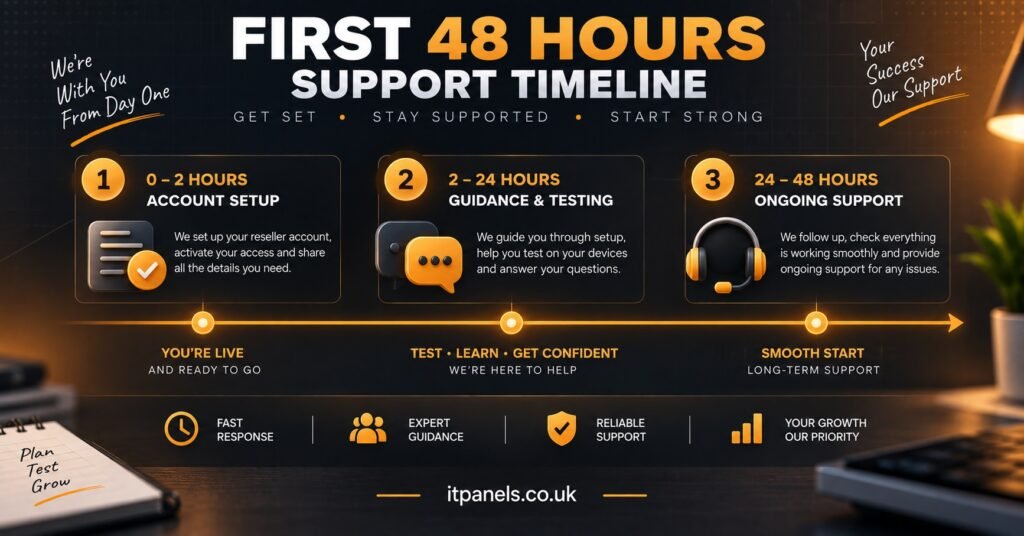
The first two days after activation are when nearly every onboarding problem surfaces, and they surface in a fairly predictable order.
| Time window | What typically shows up | What to do |
|---|---|---|
| First 2 hours | Login failures, app not recognising credentials | Recheck the exact username and password against the panel, not from memory |
| Hours 2 to 24 | Buffering, channel list not loading fully | Confirm the customer’s connection speed and check for server-side maintenance notices |
| Hours 24 to 48 | Guide data missing, favourites not saving | Usually a caching issue in the app rather than the account itself |
A customer who goes quiet after activation isn’t necessarily a happy customer. Some genuinely have no issues. Others assume a rocky first impression is simply how the service works and won’t mention it unless asked directly. A short check-in message around the 24 hour mark, asking whether everything loaded correctly, catches problems before they turn into refund requests or public complaints.
Where Onboarding Usually Breaks Down
A handful of mistakes account for most repeat onboarding failures, and they tend to recur regardless of how experienced the IPTV panel reseller is.
Rushing activation during a busy period is the most common one. When several customers pay in quick succession, it becomes tempting to batch-create lines and send credentials without individually testing each one. This is precisely when server load is highest and provisioning errors are most likely, which makes testing more important, not less.
Assuming the customer understands reseller and sub reseller terminology is another. Someone new to IPTV has no reason to know the difference between a reseller and sub reseller account, and using that language in setup instructions without explanation just adds confusion at the exact moment clarity matters most.
Sending setup instructions written for one app to a customer using a different one causes a surprising number of failed first attempts. A guide written for Smarters players won’t map cleanly onto every app’s menu structure, and small differences in wording are enough to lose a customer halfway through.
Underestimating how many credits a growing customer base will consume is a slower-burning version of the same problem. Running short mid-month forces rushed top-ups under pressure, and rushed top-ups are where activation mistakes happen. Working out how many credits a new IPTV reseller panel actually needs before onboarding gets busy avoids that entirely.
Pro tip: Match your setup guide to the customer’s actual app before sending it. A generic guide saves time until it costs more time explaining why the screenshots don’t match.
Pro tip: Keep a simple spreadsheet log of activation dates and expiry dates separate from the panel itself. Panels occasionally miscalculate renewal dates during bulk operations, and a manual record catches that before a customer does.
Onboarding Checklist
- Confirm the customer’s app and device before creating the line
- Set the correct expiry date matching what was paid for
- Test the login yourself on a real player before sending it
- Send credentials as copyable text, including the portal URL
- State device limits clearly at the point of handover
- Send setup instructions matched to the customer’s actual app
- Check in around the 24 hour mark rather than waiting for a complaint
- Log activation and expiry dates outside the panel as a backup record
Common Questions
Do I need to test every single line before sending credentials?
Yes, particularly during busy periods when several lines are created close together. A quick login test takes under a minute and prevents the majority of first-day support messages.
What should I do if a customer reports problems on day one?
Check the basics first: exact credentials, portal URL, and app compatibility. Most early issues trace back to one of these rather than a genuine server fault.
How long should the onboarding process actually take?
The active admin work is usually under fifteen minutes total, spread across activation, credential handoff, and a follow-up check. The value comes from doing each step properly, not from doing it quickly.
Should setup instructions be the same for every customer?
No. Instructions should match the specific app and device the customer is using. Sending a generic guide regardless of platform is one of the most common causes of failed first setups.
What’s the biggest difference between resellers who get repeat tickets and those who don’t?
Consistency. Resellers with fewer ongoing support requests tend to follow the same activation and check-in sequence every time, rather than varying their process depending on how busy they are.
IPTV Reseller panel Customer Onboarding works best as a fixed sequence rather than something improvised per customer: confirm the app and devices, activate and test before sending anything, hand over credentials clearly, and check in during the first 48 hours rather than waiting to be contacted. None of these steps take long individually, but skipping any one of them tends to resurface later as a support ticket that takes far longer to resolve than the step itself would have. Treat onboarding as a repeatable process rather than a one-off task, and most first-week problems stop happening before they start.

[…] the cracks pays for itself quickly once you’re managing more than a handful of customers. Our IPTV Reseller Panel is built with that kind of tracking in mind, so credits, customer accounts and renewal timing sit […]