

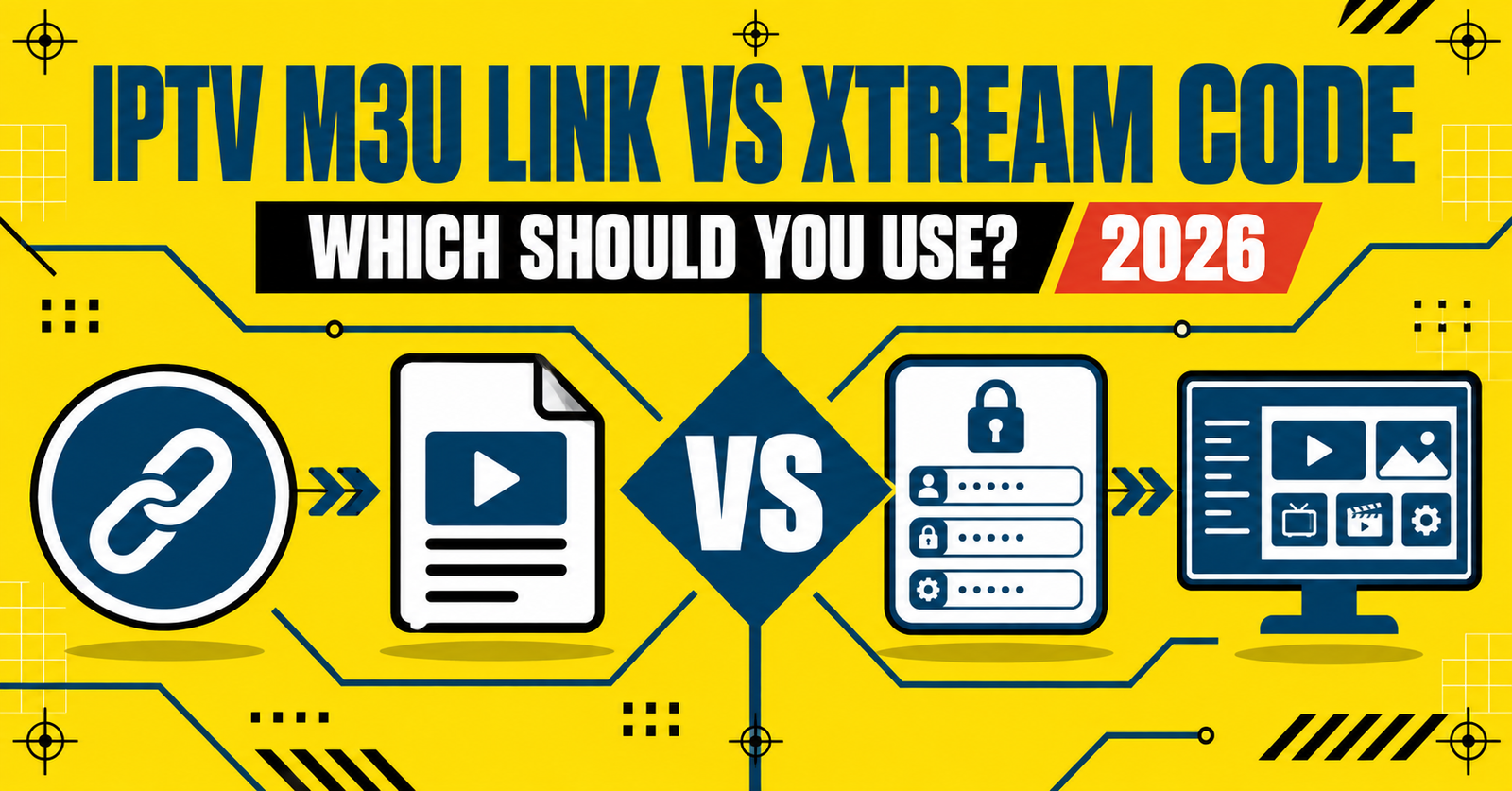
IPTV M3U Link vs Xtream Code: Which Should You Use 2026

IPTV M3U Link vs Xtream Code is really a question of how your player app talks to the server, and that single detail changes what happens when your connection drops, when you switch devices, or when a provider updates their lineup. An M3U link is a plain playlist file the app reads once and loads from. Xtream Codes is a login based connection that talks to the server directly every time you open the app, pulling categories, guide data and account status on the fly. Neither method is better in every situation. The right one depends on how often you switch devices, how much you care about live guide accuracy, and how the provider or IPTV Reseller panel you’re using actually issues access.
What an M3U Link Actually Does
An M3U file is a text based playlist. Open one in a text editor and you’ll see a list of stream URLs with basic labels attached. Your player app reads that list once when you add it, then stores the channel structure locally until you refresh it.
This makes M3U links fast to set up. Paste the URL into almost any player, wait a few seconds while it loads, and the channels appear. It also makes them fairly fragile in one specific way: if the provider changes server addresses, updates their channel numbering, or rotates the underlying stream paths, your saved playlist can go stale until you manually reload it.
Because the format is so simple, M3U links work across an unusually wide range of apps, including many that were never built specifically for IPTV. That flexibility is the main reason they’ve stayed popular for so long.

What Xtream Codes Handles Differently
Xtream Codes doesn’t hand your app a static file. Instead, your player logs into the server using a username, password and server address, and the server responds live every time. That live connection is what makes electronic programme guide data, series groupings and account expiry information appear inside the app itself rather than needing a separate source.
Setup takes slightly longer because you’re entering three pieces of information instead of pasting one link, but the payoff is that the app always reflects the current state of the account. If credits run out, categories change, or the provider restructures channel groups, the app picks that up on the next connection without you touching a playlist file.
The trade off is compatibility. Xtream Codes requires apps built to support that specific login structure, which narrows the field compared with M3U’s near universal support.
Pro tip: If you’re testing a new provider or panel, try both connection types on the same device before committing to one for every customer. The difference in guide accuracy and reload behaviour is much easier to judge side by side than from memory.
IPTV M3U Link vs Xtream Code: Where the Practical Differences Show Up
Most of the confusion between these two methods comes from treating them as competing “qualities” of stream, when they’re actually just two different ways of delivering the same underlying content. The table below breaks down where the practical differences actually sit.
| Factor | M3U Link | Xtream Codes |
|---|---|---|
| Setup method | Single playlist URL | Username, password, server address |
| App compatibility | Works with most players | Requires Xtream compatible apps |
| Guide and category updates | Manual refresh needed | Updates automatically on connection |
| Account status visibility | Not shown in playlist | Shown live inside supporting apps |
| Best suited to | Simple, fixed setups | Setups needing live account data |
Neither column is inherently more reliable in terms of the actual stream quality. That depends entirely on the server infrastructure behind either connection type, not on the format itself.
Which One Fits a Subscriber’s Setup
If you’re a subscriber choosing between the two, the decision usually comes down to how often things change on your end. Someone who sets a playlist up once on a single device and rarely touches it again will get on fine with M3U. It’s quick, it works almost everywhere, and there’s nothing extra to log into.
If you’re the sort of user who switches apps often, uses multiple devices, or wants to see remaining account time without contacting support, Xtream Codes generally suits you better. The live login means the app itself tells you what’s happening with the account, rather than you finding out only when channels stop loading.
Device compatibility is worth checking before you decide either way. Some smart TV apps and third party players only accept one connection type, so the practical choice may already be made for you depending on what hardware you’re working with.
Reseller Considerations: Issuing M3U or Xtream Access
For IPTV Panel resellers, the decision isn’t really about personal preference, it’s about what your customers are equipped to use and how much support load each format creates. M3U links are quick to issue and require almost no explanation, which suits customers who just want something that works immediately. The downside is that when a customer’s playlist stops loading, the first troubleshooting step is almost always “did you reload the playlist”, and that question comes up often.
Xtream Codes access tends to reduce that specific support ticket. Because the app pulls live data, customers can often see for themselves whether their account is active, which cuts down on messages asking whether a subscription has expired. The trade off is that a small number of customers will need help entering the server address and login correctly the first time, particularly on apps with a fiddly input screen.
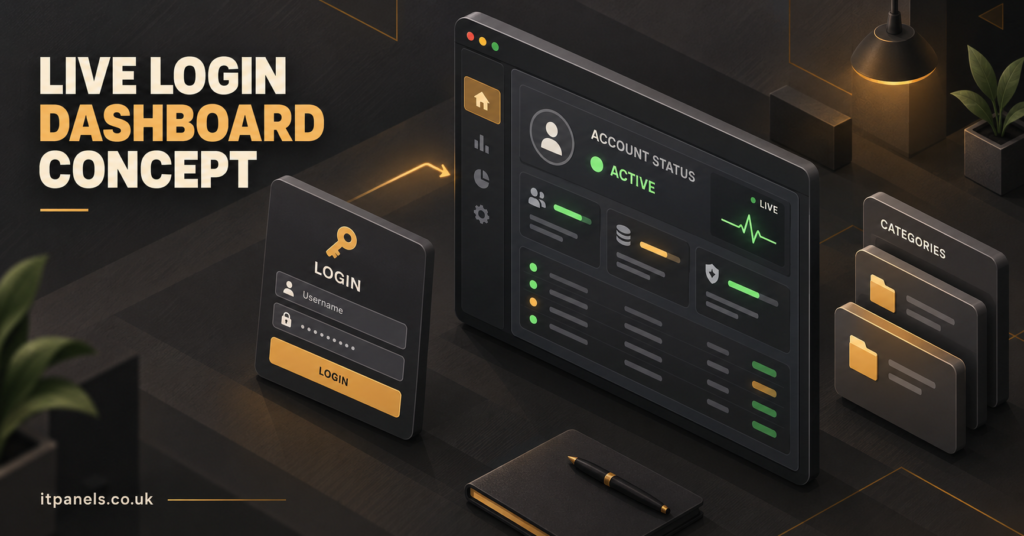
Panels that support issuing both formats from the same dashboard give you the flexibility to match the format to the customer rather than forcing everyone through one workflow. That flexibility becomes more useful the larger your customer base grows, since a mixed customer base rarely has identical devices or technical comfort levels.
Common Problems With Each Method
M3U playlists that stop working almost always trace back to one of three causes: the playlist wasn’t refreshed after a server change, the URL was copied with an error, or the app’s cache is holding an outdated version of the channel list. Deleting and re-adding the playlist resolves the majority of these cases.
Xtream Codes connections that fail to load typically point to an incorrect server address format, a mismatched port number, or credentials that were transcribed with a typo. Because the login happens live, a wrong detail usually produces an immediate connection error rather than a delayed failure, which actually makes the fault easier to isolate than a stale M3U playlist.
Pro tip: Keep a record of exactly which server address format each panel or provider expects. Xtream Codes servers occasionally need a specific port included in the address, and that single missing detail is one of the most common reasons a correctly typed login still won’t connect.
Decision Checklist: M3U Link or Xtream Codes
- Check which connection type your player app or smart TV actually supports before choosing either
- Choose M3U if you want the fastest possible setup on a device you rarely change
- Choose Xtream Codes if you want live account status and guide updates inside the app
- Confirm with your provider or panel whether both formats are available for the same account
- Test the connection on your actual device before assuming compatibility from the app description alone
- Note down the exact server address and port format so reconnecting later doesn’t need guesswork
Frequently Asked Questions
Can the same IPTV account use both an M3U link and Xtream Codes?
Many providers and panels issue both formats from a single account, since they’re just two different ways of accessing the same underlying server data. Check with your specific provider whether both are enabled for your account.
Does Xtream Codes give better picture quality than M3U?
No. Stream quality depends on the server and encoding behind the connection, not on whether you’re accessing it through a playlist file or a live login.
Why does my M3U playlist stop showing new channels?
The playlist was likely loaded once and never refreshed. Since M3U is a static file, your app needs to reload it manually to pick up any changes the provider has made on their end.
Is Xtream Codes harder to set up than an M3U link?
It takes slightly longer since you’re entering three details instead of one, but it isn’t technically difficult. Most of the setup time difference disappears after the first attempt.
Which format works better on older smart TV apps?
M3U tends to have broader support on older or more basic apps, since it doesn’t require the app to be built for a specific login structure. Always check the app’s supported formats first.
Image Title: M3U Playlist to Player Connection
Image Prompt: Modern professional blog illustration showing an abstract playlist file feeding into a media player interface, with connecting network lines and stream icons, clean moderately detailed flat design, deep navy and teal colour palette, non-white background, three to four meaningful visual elements, clear visual hierarchy, small itpanels.co.uk text near the bottom, no copyrighted logos, no broadcaster branding, no entertainment artwork
Size: 1200×628
Image Title: Live Login Dashboard Concept
Image Prompt: Modern professional blog illustration showing an isometric login and dashboard screen with account status indicators and category folders, warm amber and charcoal colour palette, non-white background, clean moderately detailed design, three meaningful visual elements, clear visual hierarchy, small itpanels.co.uk text near the bottom, no copyrighted logos, no broadcaster branding, no entertainment artwork
Size: 1200×628
Making the Practical Decision
IPTV M3U Link vs Xtream Code isn’t a question with one correct answer, it’s a question of what your setup actually needs. If you want the simplest possible connection on a device you rarely reconfigure, an M3U link will get you there with the least friction. If you want the app itself to show live account status, updated guide data and category changes without manual reloading, Xtream Codes is the better fit, provided your player supports it.
For resellers, the practical move is checking your IPTV Reseller Panel Features to confirm both connection types are available to issue, since matching the format to each customer’s device reduces support tickets more reliably than defaulting to one format for everyone. If you’re still deciding which suits your own setup, testing both on an IPTV Reseller Demo Panel before committing gives you a clearer picture than reading specifications alone. Whichever format you land on, check the subscription plans available and confirm the exact server details before you rely on either connection for daily use.

[…] you run a IPTV reseller panel, EPG complaints are one of the most common support tickets you’ll see, and most of them turn […]